If you sell a few hundred products in one language, Shopify Search and Discovery is probably enough. It’s free; Shopify’s own search already handles typos and meaning, and a $300-a-month app won’t rescue thin product titles. Upgrade when you hit its filter limits, sell across several markets, or see shoppers typing questions instead of product names.
These are the seven options we checked for you: Shopify Search & Discovery, Zipchat AI Search, Searchanise, Boost, Doofinder, Klevu, and Algolia. Prices and ratings come from each app’s Shopify App Store listing or the vendor’s own site, checked in November 2026.
Shopify search apps compared
| App | What it does to your search | Starting price | Shopify App Store rating | Best for |
|---|
| Shopify Search & Discovery | Adds settings, filters and boosts to Shopify’s own search | Free | 2.6 (516 reviews) | Small catalogs in one language |
| Zipchat AI Search | Adds an AI agent on top of Shopify’s own search | $64/month, search included | 4.9 | Descriptive queries and searches that should turn into a conversation |
| Searchanise AI Search & Filter | Replaces search and filters | Free under 25 products, then $16/month | 4.7 (1,270 reviews) | Big or B2B catalogs on a budget |
| Boost AI Search & Filter | Replaces search, filters and merchandising | Quote only | 4.7 (1,628 reviews) | Stores that live on collection filters |
| Doofinder | Replaces search, adds an AI assistant | $44/month | 4.7 (758 reviews) | Mid-market stores that want no-code setup |
| Klevu (Athos Commerce) | Replaces search with enterprise merchandising | Quote only | 4.9 (13 reviews) | Merchandising teams on Shopify Plus |
| Algolia AI Search & Discovery | Replaces search with a hosted API | Free tier, then pay per request | 3.7 (45 reviews) | Developer-led and headless stores |
If you read the second column first, you’ll notice that five of these apps switch off Shopify’s search engine and run their own. Zipchat keeps Shopify’s results and adds an agent beside them, and Search & Discovery is Shopify’s own control panel.
What does Shopify’s free Search and Discovery app do well, and where does it stop?
It does more than its 2.6 rating suggests. Every Shopify store already runs on what Shopify calls an AI-powered search infrastructure. It comes with typo tolerance, singular and plural matching, and semantic understanding switched on by default (Shopify Help Center, checked November 20, 2026). The free app gives you the controls on top.
What it does well
- Semantic understanding, built in. Shopify’s own example: a search for “christmas party shoes” returns red pumps, even though no product mentions Christmas. It reads titles, descriptions, product types, categories, and tags. It doesn’t read images.
- Filters. Availability, price, category, product type, tags, and vendor come standard. You can add custom filters from product options, metafields and metaobjects, with color swatches.
- Product boosts. Assign up to 10 search terms to a product so it ranks higher for them, and bulk-edit boosts through metafields, or Shopify Flow.
- Recommendations and analytics. Add related and complementary products on product pages, preview results for any term, and see what shoppers search for.
Where it stops
You can’t change the ranking. Shopify’s help page is blunt about it: you can influence results through product data and boosts, “but you can’t change how results are ordered.” There’s no setting to tighten or loosen matching either.
Filters have hard limits. A store gets 25 filters in total. Collections with more than 5,000 products show no filters at all. Filter counts on search results only cover the first 1,000 results, and a filter shows at most 100 values (filter documentation, checked November 20, 2026).
Search returns products, not answers. Results include at most two pages or blog posts, on the first page only. A shopper typing “do you ship to Canada” or “will this fit a 15-inch laptop” gets a product grid or nothing.
Recent reviews are rough. Several reviewers between September and November 2026 say a simple search now returns hundreds of unrelated products. One asks Shopify to “restore the synonym feature,” and the current help pages on modifying search no longer mention synonym groups.
Signs your online store needs advanced search
Search is worth fixing before almost anything else on the site. Constructor’s 2025 study found that shoppers who search convert at 2.5 times the rate of those who don’t. They made up 24% of visitors but 44% of revenue (Constructor, 2025).
Upgrade if two or more of these sound like your store:
- The same zero-result terms show up in your Search & Discovery analytics every week, and product boosts don’t fix them.
- You need more than 25 filters, or your biggest collections have more than 5,000 products.
- You sell in several currencies. Shopify’s price filter disappears when a shopper picks anything but your default currency.
- Shoppers describe what they want (“a gift for a 10-year-old who likes science”) instead of naming a product.
- Support questions land in the search bar: shipping, returns, sizing, compatibility.
- Your merchandising team wants to pin, bury, or schedule products per collection.
If none of these apply, stay on the free app. Spend the time on product titles and tags instead.
How we picked these Shopify search apps
These are the apps Shopify merchants name most often when they ask Zipchat about search. We scored each one on five questions:
- Shopify fit. Does it keep Shopify’s search functionality or replace it?
- Natural language. What happens with a descriptive query or a question?
- Filters and merchandising. Filter trees, pin and boost rules, collection pages.
- Markets and languages. Multi-currency and translated storefronts.
- Pricing model. Flat plan, product count, sales volume, or per request.
We didn’t score visual search. It matters for some fashion stores, but it’s a separate buying decision. For search tools beyond Shopify, see our roundup of AI site search software.
1. Zipchat AI Search: best for descriptive queries and dead-end searches
Zipchat AI Search attaches to the search field your theme already has. On Shopify, the product cards come from Shopify’s own storefront search, so the results stay consistent with what your store returns. Beside them, an AI answer reads what the shopper means.
That’s what sets it apart. Every other paid app here swaps Shopify’s engine for its own. Zipchat keeps it and adds an agent that asks one question when a query is vague.
It also suggests the nearest products when nothing matches, and answers policy questions from your pages.
How it works on Shopify
- No theme rebuild. You point Zipchat at your search bar with a CSS selector, and the Zipchat team finds the selector if you don’t know it.
- Your ranking carries over, because the cards come from Shopify’s search.
- Up to 12 products and 6 pages or articles per search. “See all results” still opens your Shopify search page.
- Localization aware. A shopper on a /fr/ page gets results from the French version of the store, and the AI replies in their language.
- Dead ends become chats. A query the store can’t answer goes to the same AI agent in chat. On mobile, the chat opens with the shopper’s question.
Pricing. AI Search is included in every Zipchat plan, from $64/month billed, with a 7-day free trial and a 30-day money-back guarantee.
Pros
- Keeps Shopify’s results, so nothing about your catalog has to change.
- Built-in A/B test: half your visitors get AI Search, half get your current search.
- Optional add-to-cart from the results on Shopify.
Cons
- No filter trees or merchandising rules of its own. Filters still come from Search & Discovery.
- No photo or voice search in the search bar. Those work in WhatsApp, Instagram, and Messenger chats.
- Plans are sized by AI replies, not searches.
Best for: stores where shoppers describe products or ask questions in the search bar. See how it fits on our page about AI search for Shopify, or read how Zipchat for Shopify connects.
2. Searchanise AI Search & Filter: best for big catalogs on a budget
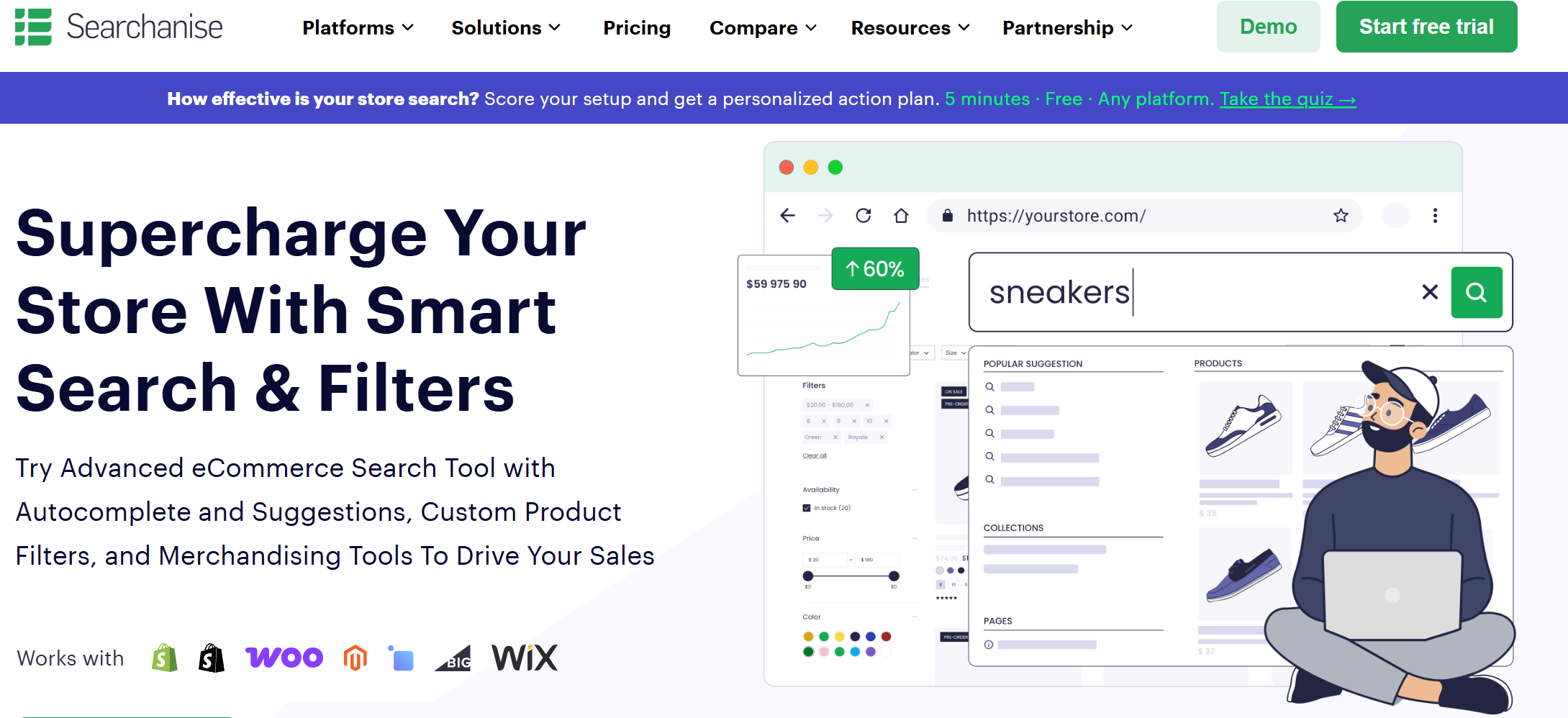
Searchanise replaces Shopify’s search bar, the results page, and collection filters. It’s priced by product count, which makes the bill easy to predict. It has been on the Shopify App Store since 2015.
Key features
- An instant search bar that shows relevant search results across all store pages, with typo tolerance and synonyms.
- Unlimited filters, including tag filters and prefixes.
- Merchandising rules and upsell recommendations.
- Variants shown as separate products, plus voice search on paid plans.
Pricing. Free for development stores and stores with fewer than 25 products. Paid Searchanise pricing starts at $19 per month on the Basic plan for up to 1,500 products, or $16 a month billed annually. The Enterprise plan is $416/month for up to 2,000,000 products. Every paid plan has a 14-day trial.
Pros
- The lowest paid entry price on this list.
- Reviewers praise metafield and SKU search and fast support.
Cons
- The price climbs with your product count.
- It replaces Shopify’s search, so Search & Discovery boosts stop applying.
Best for: stores with large, B2B or SKU-heavy catalogs that need filters beyond Shopify’s limits without a big bill. If you came here searching for Searchanise alone, it’s the value pick.
3. Boost AI Search & Filter: best for collection filters and merchandising
Boost, sold earlier as Boost AI Search & Discovery, is the filter specialist. It rebuilds collection pages around custom filter trees and adds merchandising, bundles, and back-in-stock alerts.
Boost pitches the app as AI search that improves product discovery and conversion rates. Its Shopify reviews mostly credit it with better search and filtering on large catalogs.
Key features
- Filters by tag, metafield and variant, in custom filter trees.
- Pin, boost, hide, and demote rules for merchandising.
- Recommendations, bundles, pre-order, and back-in-stock alerts.
- Multi-language, multi-currency, and multi-market sync.
Pricing. Quote only.
Pros
- Far more filter control than Shopify’s 25-filter cap.
- Merchandising campaigns built for teams that sort collections by hand.
Cons
- Pricing grows with your sales, not your usage.
- Launch syncs up to three times a day, so stock changes can lag. AI personalized search only comes on Accelerate.
Best for: fashion, beauty, and home stores where shoppers browse collections more than they search.
4. Doofinder: best for no-code hosted search with an AI assistant
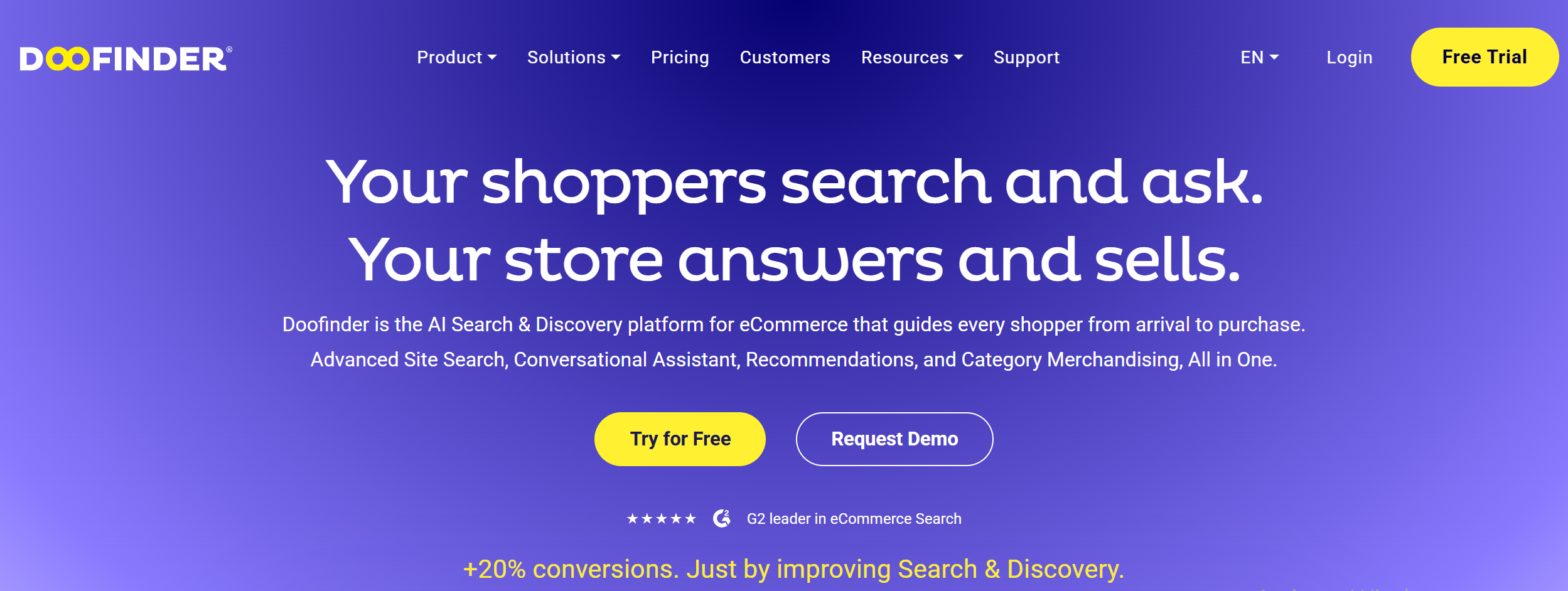
Doofinder is a hosted search layer from Madrid. It installs without code and bundles search, recommendations, and a quiz maker, with an AI Assistant that chats with shoppers.
Key features
- AI search that reads intent, with typo tolerance and synonyms.
- Product quizzes and recommendation carousels on every plan.
- Multi-index search and AI alerts on Pro.
- Visual search and one-to-one personalization on Advanced.
Pricing. On the Shopify App Store, Basic is $44/month, Pro is $134/month, and Advanced is $314/month. Enterprise is custom, and each plan has a 15-day trial.
Pros
- Quick launch without developer time.
- Search, recommendations, and quizzes in one subscription.
Cons
- Keystroke-based counting means instant search results eat into your quota, which pushes busy stores up tiers.
- Two 2026 reviews describe search going down after an update or a quota error. A third, from a customer since 2021, reports a jump from €25 to €149 a month.
Best for: mid-market stores that want hosted search running this week.
5. Klevu (Athos Commerce): best for merchandising teams on Shopify Plus
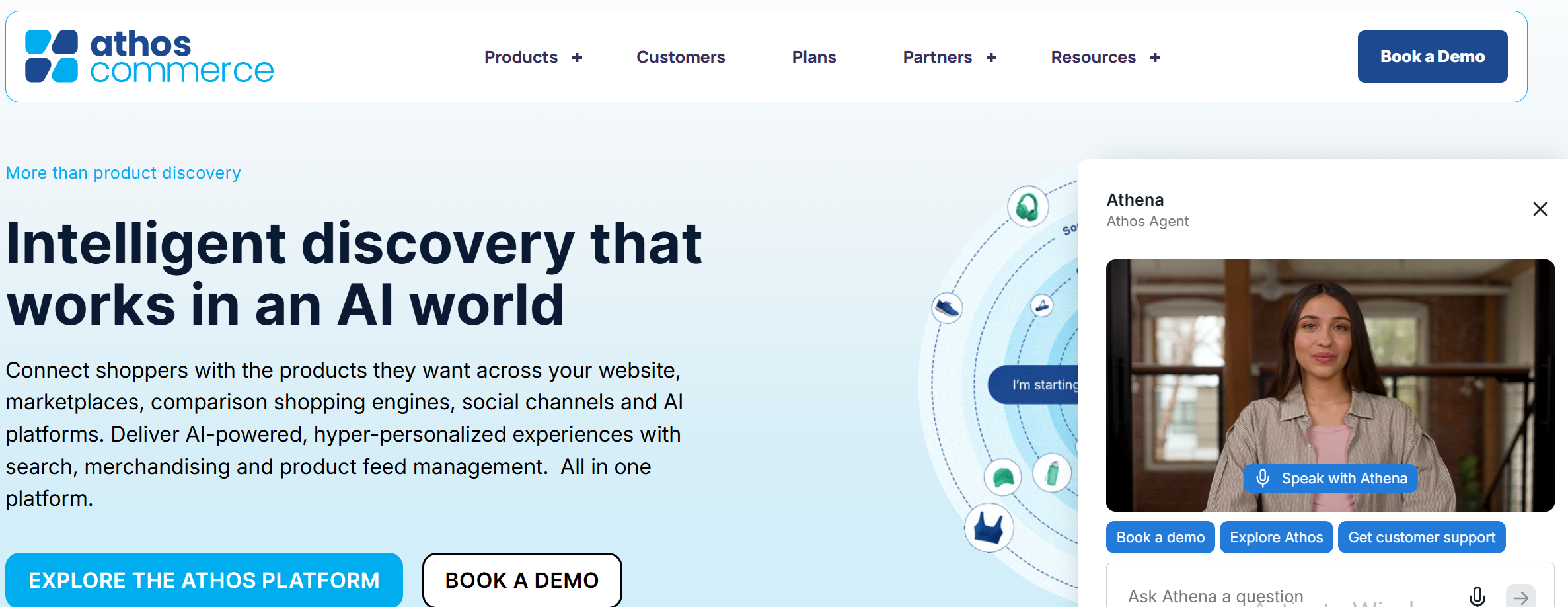
Klevu is now part of Athos Commerce, alongside Searchspring. The Shopify app is free to install, and the platform behind it is sold in three tiers through Athos.
Key features
- AI search that learns from shopper behavior.
- A merchandising dashboard where teams test and schedule campaigns.
- Filters and facets on product listing pages.
- Full Shopify Markets support, plus APIs and Hydrogen support for headless builds.
Pricing. Quote only.
Pros
- The clearest Shopify Markets support of the replacement apps.
- Strong for teams running headless storefronts.
Cons
- No public pricing, and reviewers call it pricier than rivals.
- Only 13 Shopify reviews, so there’s little public signal. Existing Klevu customers should ask about the roadmap after the merger.
Best for: Shopify Plus brands with a merchandising team and an annual search budget.
6. Algolia AI Search & Discovery: best for developer-led and headless stores
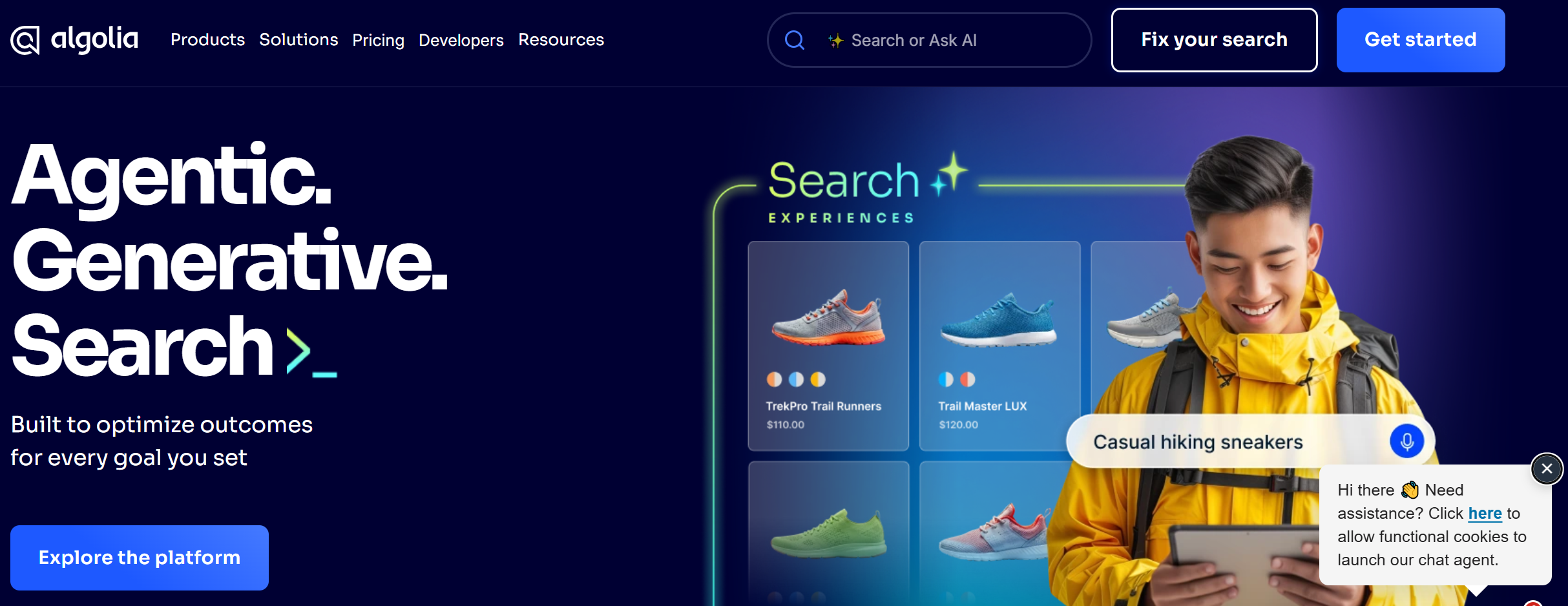
Algolia is a hosted search API with an official Shopify app. It indexes products, collections, pages, and articles in Algolia’s cloud. It bills you separately from your Shopify invoice.
Key features
- Fast results with typo tolerance and relevance tuning.
- A merchandising studio, A/B testing, and revenue analytics.
- AI recommendations.
- NeuralSearch, which blends keyword and semantic matching, is on the Elevate plan.
Pricing. The free plan covers 10,000 search requests and 50,000 records a month. Grow adds $0.50 per 1,000 searches after the first 10,000, and Grow Plus charges $1.75 per 1,000 with AI synonyms and ranking. Elevate is a sales contract.
Pros
- A setting for almost every ranking decision.
- Built for large catalogs and heavy traffic, with data centers worldwide.
Cons
- Pay-per-request bills climb in peak season.
- A 3.7 rating, with 29% one-star reviews. Even happy reviewers call the app “a bit clunky.”
Best for: stores with developers on staff, Hydrogen builds, or catalogs too big for app-store plans.
7. Shopify Search & Discovery: best for small catalogs in one language
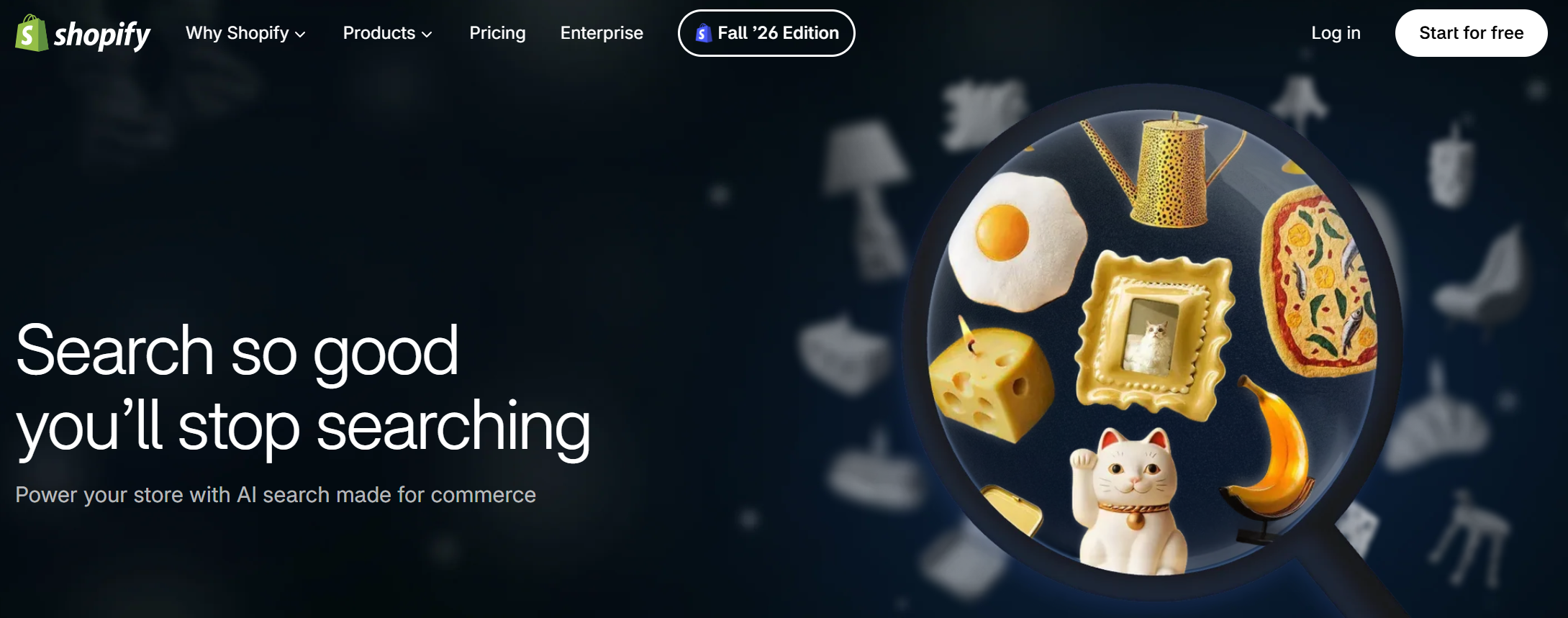
Shopify Search & Discovery is Shopify’s free app for search settings, filters, boosts, and recommendations. We covered what it does and where it stops above. Here’s the short version.
Pricing. Free.
Pros
- No extra cost, no extra script, no sync to break.
- Semantic understanding and typo tolerance run by default.
Cons
- You can’t change the ranking, and filters cap out at 25.
- A 2.6 rating, with 21% one-star reviews.
Best for: stores with a few hundred well-named products in one language. Fix your product data here before you pay for anything else.
How does AI search differ from filter-based search apps on Shopify?
Filter-based apps help shoppers narrow a list they’ve already found. AI search tries to understand the whole sentence. Every listing now says “AI,” so test what a tool does with a real query instead of trusting the label.
Take one query: “something warm for hiking in Scotland in March.”
| Search type | Examples | What the shopper gets |
|---|
| Keyword plus filters | Searchanise, Boost | Products that mention “hiking” or “warm,” then filters to narrow them |
| Semantic | Shopify’s built-in search, Algolia NeuralSearch | Insulated and waterproof jackets ranked by meaning, even without the word “warm” |
| Agentic | Zipchat AI Search, Doofinder’s AI Assistant | Results plus an answer that asks about budget or layers and links your sizing guide |
Semantic search maps meaning to products. Agentic search adds a conversation on top. Our guide to semantic search for Shopify explains how the meaning side works.
Most stores need both kinds of help. Shoppers who know what they want use filters, and shoppers who don’t use sentences.
How do you switch Shopify search apps without a drop in conversion?
Treat it like a redesign: measure first, test on a copy, and keep a way back.
- Save a baseline. Export 30 days of top queries, zero-result queries, and search conversion from Search & Discovery analytics.
- Build a test list. Take your top 50 queries, 10 exact SKUs, 10 zero-result terms, and 5 real questions from your inbox.
- Install on a duplicate theme. Run the test list there before you publish anything.
- Check product visibility. Shopify warns that a third-party search app not integrated with the Unlisted status can still return unlisted products.
- Check collection pages. Replacement apps take over collection filters too, so compare every major collection.
- Test every market. Switch language and currency and rerun the list.
- Run it for two to four weeks. Compare against your baseline, or use an A/B test if the app has one. Zipchat’s is built in.
- Remove the old app cleanly. Save its settings, uninstall it, and clear leftover code from the theme. Searchanise’s own pricing FAQ gives the same advice.
If conversion work is the wider goal, our list of Shopify apps for conversion covers the rest of the funnel.
How do search apps work with Shopify Markets and multiple languages?
Most support several languages. The gaps show up in currencies and market-specific translations.
| App | Languages | Markets and currency notes |
|---|
| Shopify Search & Discovery | Search works in 33 languages | Price filter shows in the default currency only. Tag and vendor filters show in the default language only. |
| Zipchat AI Search | AI replies in the shopper’s language | Results follow your Markets and translations. A /fr/ page gets French results. |
| Searchanise | Multi-language, works with Langify | Reads your Markets settings and translations, per its data-access list |
| Boost | Works with Weglot and Langify | Advertises language, currency and market sync across storefronts |
| Doofinder | Multi-language | Confirm Markets handling with the vendor |
| Klevu | Multi-language | ”Fully compatible with Shopify Markets,” per its listing |
| Algolia | Multi-language | Reads Markets settings, per its data-access list |
One more catch on Shopify’s side: filter values don’t use market-specific translations. If you keep separate French copy for Canada and France, filters use the general French version for both.
Whatever you pick, run your test list in every language and currency before launch. That’s where multi-market stores find their surprises.
How to choose the right Shopify search app
| If your store… | Look at | Why |
|---|
| Has a few hundred products in one language | Search & Discovery | Free, and semantic search is already on |
| Gets vague queries or questions in the search bar | Zipchat AI Search | Keeps Shopify’s results, adds an agent |
| Has a large or B2B catalog and a tight budget | Searchanise | Priced by product count |
| Lives on collection filters | Boost | Filter trees and merchandising |
| Wants hosted search with no developer | Doofinder | No-code install |
| Has a merchandising team on Shopify Plus | Klevu | Campaigns and Markets support |
| Has developers or a headless store | Algolia | API control at scale |
When a new search app won’t fix your Shopify search
If your titles say “Model X2” and your descriptions are empty, every engine struggles, AI or not. Shopify’s semantic search reads titles, descriptions, product types and tags, so start there.
An app also won’t help if few shoppers use search. A 40-product store with clear navigation gets more from better menus. And if shoppers search for things you don’t sell, the fix is your catalog, not your search bar.
Frequently asked questions
Is Shopify Search & Discovery free?
Yes. Shopify Search & Discovery is free on every plan that includes an online store. It adds filters, product boosts, recommendations, and search analytics to Shopify’s built-in search, which already handles typos and semantic matching. Some features need Shopify Network Intelligence turned on in your privacy settings.
What is the best search app for Shopify?
It depends on the problem you’re solving. Searchanise gives the best value for large catalogs, and Boost suits stores built around collection filters. If shoppers describe products or ask questions in the search bar, Zipchat AI Search adds an AI agent on top of Shopify’s own search.
Can I use Search & Discovery and another search app together?
Partly. Replacement apps like Searchanise, Boost, and Doofinder take over search, so Search & Discovery’s boosts and search settings stop applying, though its product recommendations can stay. Zipchat AI Search works differently: it uses Shopify’s storefront search, so your existing setup keeps shaping the results.
Does a search app work with Shopify Markets?
Most do, with gaps. Klevu and Boost advertise Markets support, and Zipchat’s results follow your Markets and translations. Shopify’s own filters hide the price filter outside your default currency and show tag and vendor values only in your default language. Test every market first.
How do I improve search on my Shopify store?
Start with product data. Put the words shoppers use in titles, descriptions, product types, and tags, because Shopify’s semantic search reads those fields. Then review zero-result terms in Search & Discovery analytics, add product boosts and filters, and add an app once you hit the limits.
Does AI search work on Shopify Plus?
Yes. Every app in this list runs on Shopify Plus. Searchanise sells dedicated Plus plans from $49 a month, and Klevu and Algolia target Plus and headless stores. Zipchat AI Search works the same on Plus as on other plans, because it attaches to your theme’s search field.
Our pick for Shopify search in 2026
For a small catalog in one language, keep Search & Discovery and spend the effort on product data. If you’ve outgrown its filters, Searchanise is the best value and Boost the best for merchandising. If your shoppers describe what they want, Zipchat AI Search keeps Shopify’s results and turns dead-end searches into sales conversations.
Start a 7-day free trial of AI search for Shopify and run the built-in A/B test against your current search.
 Website chat Turns browsers into buyers on every page.
 WhatsApp Sell on the app your customers read.
 Instagram Answers every DM in seconds.
 Messenger Turns Facebook ad questions into sales.
 Email Answers every email in the same thread.