
The best AI site search software for ecommerce in 2026 depends on catalog size, platform, and how much developer time you have. Algolia and Constructor suit engineering-led teams. Searchanise, Boost, and Doofinder suit Shopify and mid-market stores that want fast setup.
Zipchat AI Search suits stores that want search and a sales agent in one place. It’s the only tool here where a failed search turns into a chat with the same AI agent that answers on product pages, WhatsApp, and email.
This guide compares eight AI-powered site search tools on the questions ecommerce managers ask us on sales calls. Every price was checked on the vendor’s own website in October 2026.
What AI Site Search Is, and How It Differs From Keyword Search
AI site search is a store search bar that works out what a shopper means, not only which words they typed. Keyword search is how traditional search engines in store themes work: they match the letters in a query to the letters in your product data. AI search uses natural language processing to read intent, context, and synonyms.
The difference shows on vague queries. A shopper types “something soft to sleep on.” Keyword search looks for products containing “soft” and “sleep” and often returns pillows, socks, or nothing.
AI search maps the phrase to mattress toppers, weighted blankets, or memory foam pillows. Some tools go further and ask a follow-up question. For a deeper look at the two models, see conversational search vs keyword search.
| Keyword search | AI site search |
|---|
| How it matches | Exact words and manual synonyms | Meaning, intent and context |
| Typos | Needs fuzzy-match rules | Handled by default in most tools |
| Vague queries | Returns weak or empty results | Returns related products |
| Setup work | Synonym lists, redirects, boosting rules | Catalog connection, fewer manual rules |
| What the shopper gets | A list of products | Products, and in some tools an answer |
We shortlisted tools that ecommerce prospects name on Zipchat sales calls, then checked each one against five criteria. These are the same criteria buyers raise before they switch.
- Natural language handling: does it return relevant results for descriptive and misspelled queries?
- Exact match safety: does it still find SKUs, product codes, and brand names?
- Setup effort: can a merchant install it, or does it need developers?
- Pricing model: per search, per record, per plan, by GMV, or by quote.
- Zero-results behavior: what the shopper sees when nothing matches.
We didn’t rank on visual or image search. That feature matters for some fashion and furniture stores, but it’s a separate buying decision.
| Tool | Best for | Starting price (as of Oct 2026) | Pricing model | Setup effort | Chat layer |
|---|
| Zipchat AI Search | Stores that want search and a sales agent as one | From $64/month, search included in every plan | Per plan (AI replies) | Under 30 minutes | Yes, same agent across search, product pages and channels |
| Algolia | Engineering-led teams with custom storefronts | Free tier; Grow is pay-as-you-go | Per search request and per record | Developer-led; Shopify plugin available | Separate AI products (Ask AI, Agent Studio) |
| Doofinder | Mid-market stores on many platforms | $44/month | Per plan, by request volume | No code on major platforms | AI Assistant on Pro and above, priced on request |
| Klevu (Athos Commerce) | Mid-market and enterprise retailers | Quote only | Custom plans | Guided onboarding | Conversational Assistant add-on |
| Searchanise | Shopify stores on a budget | Free (up to 25 products); paid from $16/month | Per plan, by product count | Automatic indexing after install | No |
| Boost AI Search & Discovery | Shopify stores that need filters and merchandising | From $29/month | Per plan, by online GMV | No code, theme integration | No |
| Constructor | Enterprise retailers with large catalogs | Demo and quote only | Custom | Eight weeks or less (vendor figure) | AI Shopping Agent |
| Bloomreach Discovery | Enterprise brands with 500K+ monthly visitors | Custom pricing | Platform fee plus usage | About two months (vendor figure) | Loomi AI Shopping Agent |
1. Zipchat AI Search: Best for Turning Search Into a Sales Conversation
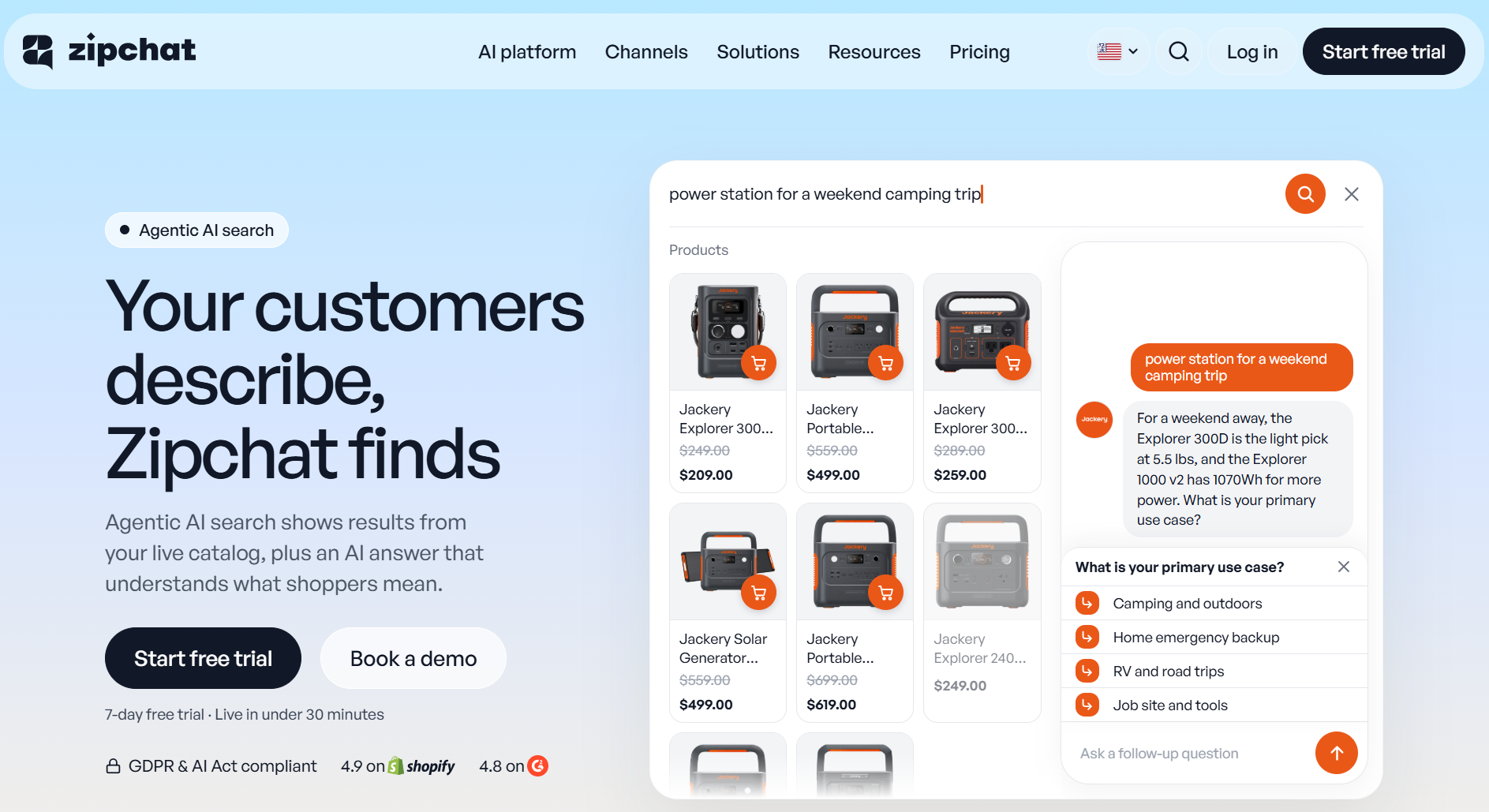
Zipchat AI Search attaches to the search field your store already has. A click on the search bar opens the Zipchat overlay, with results grouped into products, pages, and articles, plus a short AI answer.
The AI answer comes from the same agent that runs Zipchat’s website chat, product-page questions, WhatsApp, Instagram, Messenger, and email. Search, product pages, and chat share one knowledge base, so each shopper keeps one conversation. That same agent helped Ring Automotive reach a 12% conversion rate and higher AOV by resolving technical product queries.
Key features
- Grouped results: up to 12 products and 6 pages or articles per search on Shopify, with “See all results” for the rest.
- One-click hand-off: any query can move into a chat with the AI agent, with the question already filled in.
- Vague-query handling: the agent asks one question with tap options, then recommends products that fit.
- Search-only mode: AI Search can run with the chat bubble hidden.
- Settings you control: placeholder text, no-results message, a mobile Ask AI button, and desktop and mobile visibility.
Pricing: AI Search is included in every Zipchat plan, from $64/month, with a 7-day free trial.
Pros
- Failed searches become conversations instead of exits.
- On Shopify, product cards come from your store’s own search, so the ranking you’ve already tuned carries over.
- Live in under 30 minutes, with the Zipchat team finding your search bar selector if needed.
Cons
- No visual or image search in the search bar.
- No manual boosting rules or merchandising campaigns. Teams that pin products by hand will miss them.
Best for: stores where shoppers describe what they want instead of naming it, and where support questions show up in the search bar.
2. Algolia: Best for Engineering-Led Teams
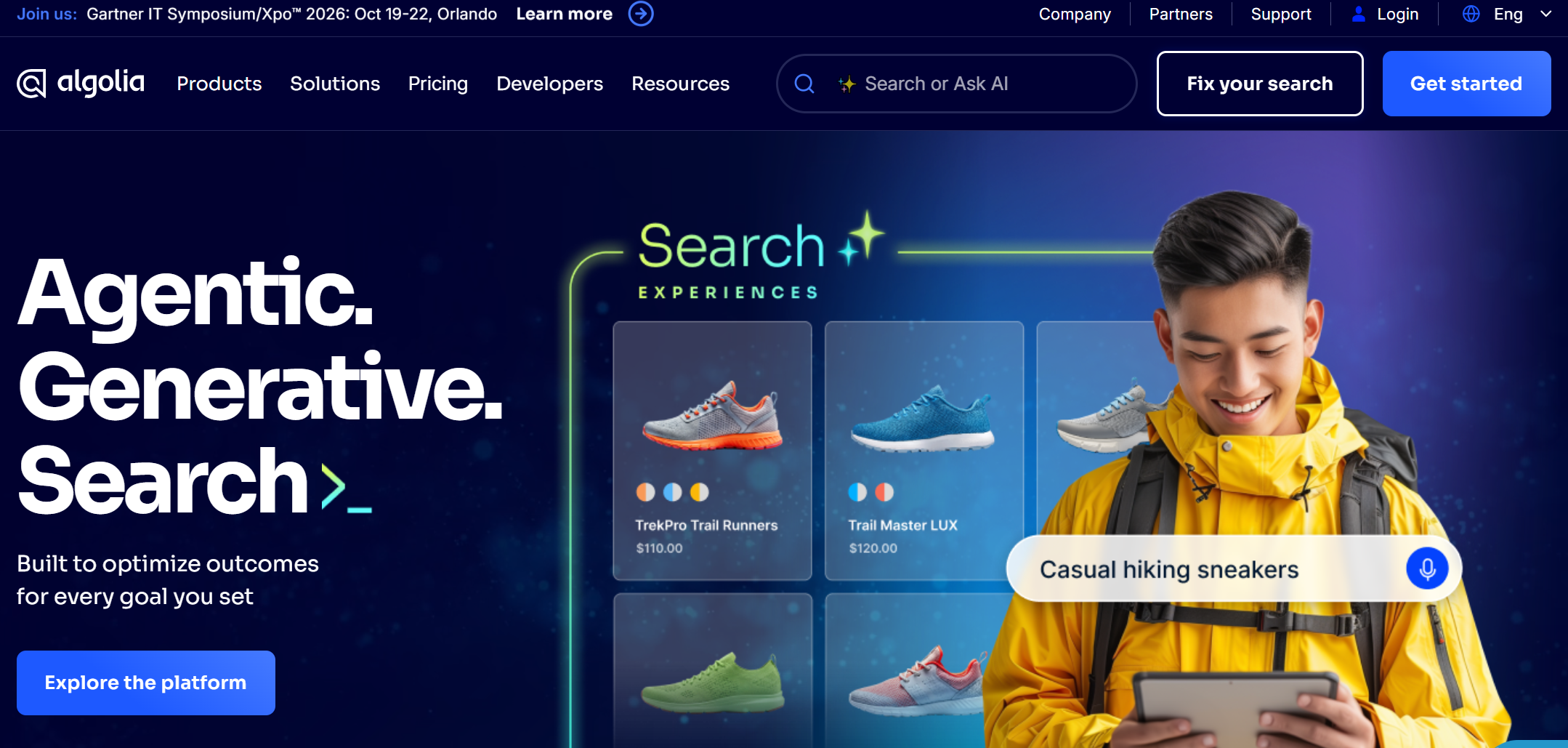
Algolia is a search API used by developers to build custom search on websites and apps. It has a Shopify plugin, but most of its power sits in the API and UI libraries.
Key features
- Keyword search with AI ranking, AI synonyms, and query categorization on Grow Plus.
- NeuralSearch (semantic plus keyword) on the Elevate plan.
- Merchandising Studio, A/B testing, and recommendations.
- Separate AI products: Ask AI for conversational answers in the search bar, and Agent Studio for building agents.
Pricing: Free plan with 10K search requests and 50K records a month. Grow includes 10K requests, then $0.50 per 1,000. Grow Plus charges $1.75 per 1,000 extra requests. Both charge $0.40 per 1,000 extra records above 100K. Elevate is an annual contract with custom pricing.
Pros
- Fine-grained control over ranking and relevance.
- Pay-as-you-go pricing for teams that want to start small.
Cons
- The strongest features need developer time to set up and maintain.
- Costs grow with traffic, which makes budgets harder to predict during peak season.
Best for: brands with in-house developers and a headless or custom storefront.
Doofinder bundles AI search, product recommendations, and a quiz maker in every plan. It installs without code on Shopify, WooCommerce, Magento, PrestaShop, and BigCommerce.
Key features
- AI-guided search, synonyms, and voice search on all plans.
- AI visual tagging and multi-index search on Pro and above.
- 1:1 personalization and visual search on Advanced.
- AI Assistant available on Pro, Advanced, and Enterprise, priced on request.
Pricing: Basic $44/month (up to 10K requests per month). Pro $134/month (150K). Advanced $314/month (400K). Shopify and BigCommerce have separate plans.
Pros
- Fast, no-code setup on most platforms.
- Search, recommendations, and quizzes in one subscription.
Cons
- Requests are counted per keystroke after the third character, so busy stores climb tiers quickly.
- The AI Assistant is an add-on with separate pricing.
Best for: mid-market stores outside Shopify that want an all-in-one discovery tool.
For a head-to-head breakdown, read Algolia vs Doofinder vs Zipchat.
4. Klevu (Athos Commerce): Best for Retailers That Want Search and Feeds Together
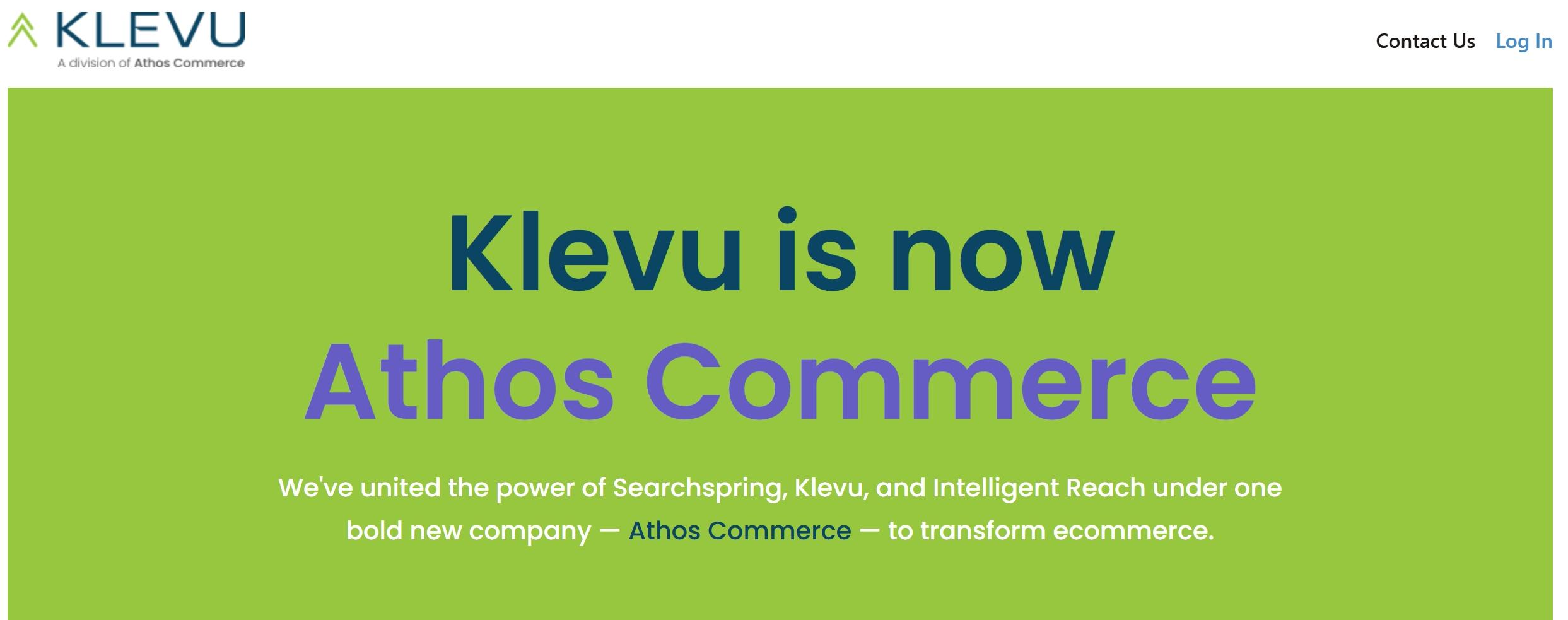
Klevu is now part of Athos Commerce, alongside Searchspring and Intelligent Reach. Klevu’s pricing page now redirects to the Athos Commerce plans page.
Key features
- Onsite Discovery plan: search, merchandising, and personalization.
- AI Search, AI Merchandising, and AI Product Recommendations as add-ons.
- Conversational Assistant and GEO Assistant as separate AI agents.
- Offsite product feed management for Google Shopping and marketplaces.
Pricing: Quote only. Athos sells Onsite, Offsite, and Complete Discovery plans as annual contracts.
Pros
- One vendor for onsite search and product feeds.
- Modular add-ons, so you pay for the parts you use.
Cons
- No public pricing makes early budgeting harder.
- Existing Klevu customers should confirm their roadmap after the merger.
Best for: retailers already planning to consolidate search, merchandising, and feed tools.
5. Searchanise: Best for Shopify Stores on a Budget
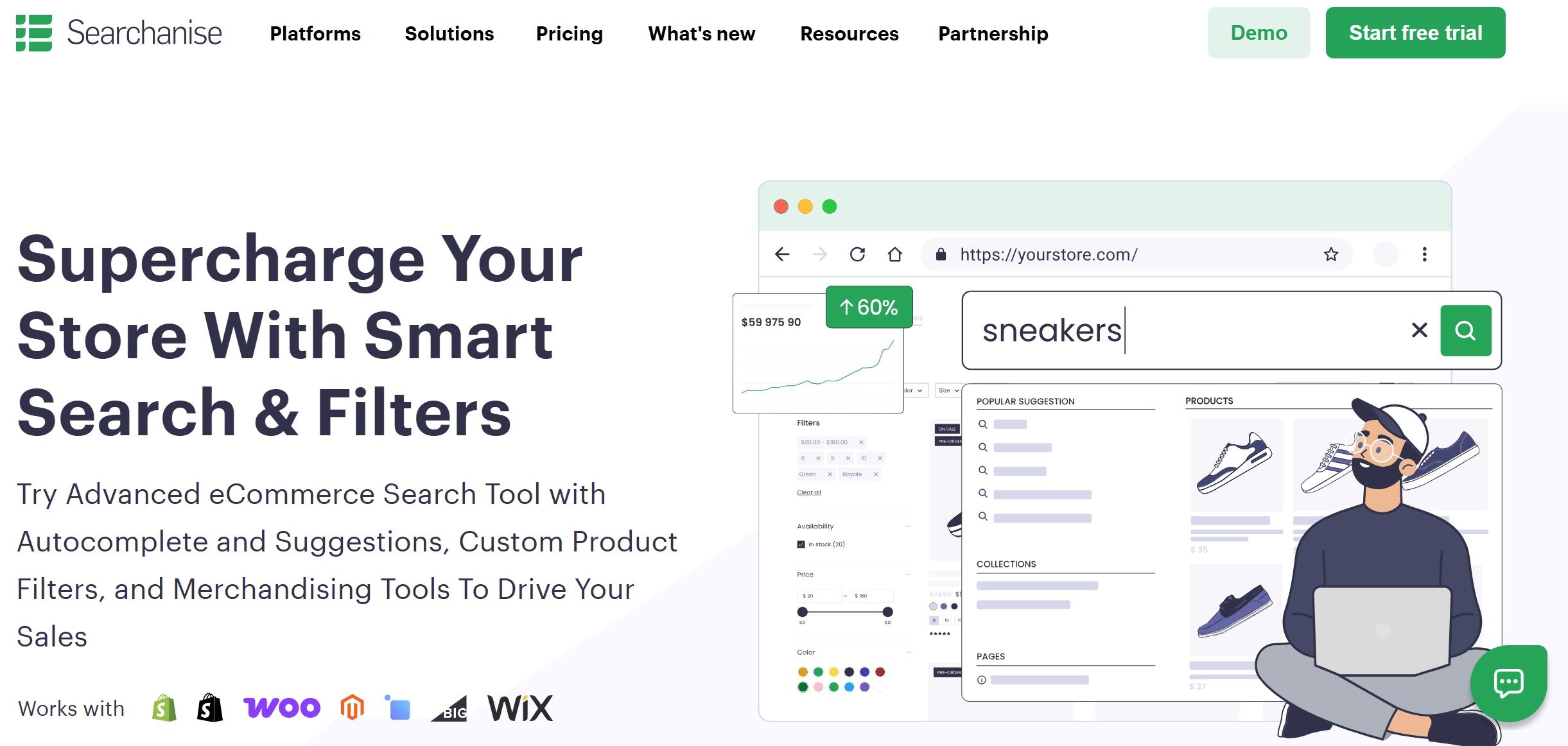
Searchanise is a search and filter app priced by the number of active products. It starts indexing your catalog automatically after installation.
Key features
- Instant search, autocorrect, and “Did you mean?” suggestions.
- Full-text search across products, collections, pages, and blog posts.
- Personalized AI search based on views, cart adds, and purchases.
- Filters, merchandising, product labels and analytics on every plan.
Pricing: Free up to 25 products. Basic $16 (1,500 products), Essential $33 (7,500), Advanced $74 (15K), Growth $116 (30K), Pro $174 (50K), and Premium $291 (300K).
Pros
- Low entry price and a 14-day free trial with all features.
- Sync every two minutes through webhooks.
Cons
- Price rises with catalog size, not with results.
- No chat or conversational layer.
Best for: small and mid-size Shopify stores that want better search and filters without a large budget.
6. Boost AI Search & Discovery: Best for Shopify Filters and Merchandising
Boost AI Search & Filter is a Shopify app that combines AI search with advanced filters, merchandising, bundles, and back-in-stock alerts.
Key features
- Typo-tolerant, real-time search results.
- Filters by tag, metafield, and variant.
- Pin, boost, and reorder rules for merchandising.
- AI-personalized search on the Accelerate plan.
Pricing: Launch from $29/month, up to $159 for stores under $50K monthly GMV. Convert from $299/month. Accelerate from $699/month, up to $1,499 for stores under $2.5M monthly GMV. All plans have a 21-day free trial.
Pros
- Strong filter and merchandising controls for large Shopify catalogs.
- 4.7 stars from 1,636 reviews on the Shopify App Store.
Cons
- GMV-based pricing means your bill grows as sales grow.
- Some reviewers report setup friction on heavily customized themes.
Best for: Shopify stores where filters and collection merchandising matter as much as search.
7. Constructor: Best for Enterprise Catalogs
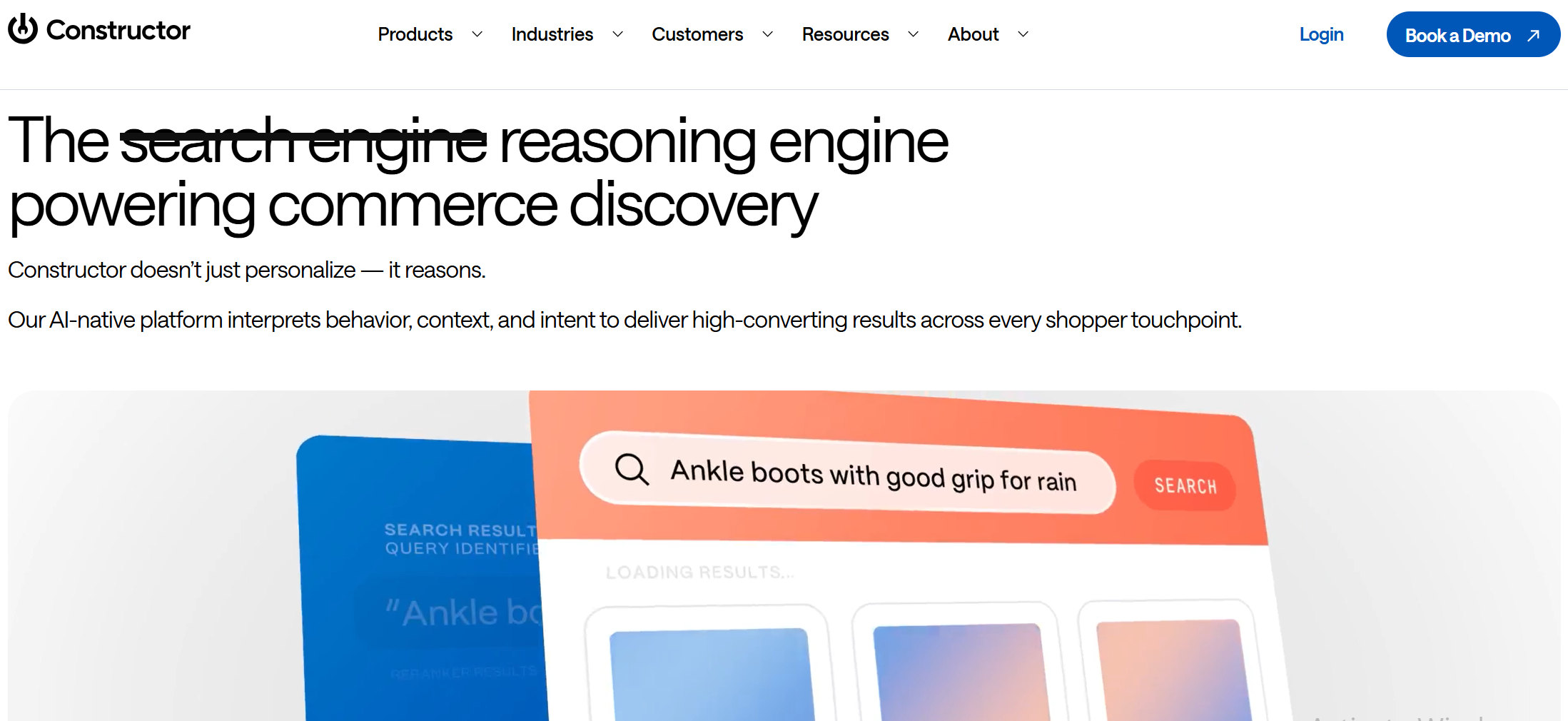
Constructor is an enterprise product discovery platform built around behavioral data. Its customers include large retailers such as Sephora, Petco, and Under Armour.
Key features
- Search, autosuggest, browse, and recommendations ranked by shopper behavior.
- AI Shopping Agent and Product Insights Agent.
- Attribute enrichment that uses generative AI to fill product data.
- API-first and headless, with Shopify, Salesforce, and BigCommerce integrations.
Pricing: no public pricing. Constructor sells through demos and quotes.
Pros
- Built for catalogs with hundreds of thousands of SKUs.
- Merchandiser controls and experiments for business teams.
Cons
- Enterprise contracts put it out of reach for most small and mid-size stores.
- Constructor quotes “eight weeks or less” to set up, which still means a project.
Best for: enterprise retailers with large catalogs and a dedicated ecommerce team.
8. Bloomreach Discovery: Best for Enterprise Brands Running Full Personalization
Bloomreach sells ecommerce search as part of a wider personalization platform powered by its Loomi AI. Most customers also buy its email and marketing automation.
Key features
- Self-learning site search and category merchandising.
- Product recommendations and long-tail SEO pages.
- Loomi Shopping Agent for on-site conversations, as an add-on.
- 175+ integrations, including Shopify.
Pricing: Custom.
Pros
- Search, email, and personalization share one customer data layer.
- Onboarding and support are included in the contract.
Cons
- Bloomreach says it’s “probably not yet” a fit for low-volume programs.
- Go-live takes about two months, by the vendor’s own estimate.
Best for: enterprise brands with 500K+ monthly visitors and a plan to run search and marketing on one platform.
Will AI-Powered Search Still Find Exact SKUs, Product Codes and Brand Names?
Yes, if the tool keeps a keyword layer under the AI layer. This is the most common fear we hear on sales calls. Merchants worry that “smart” search will turn “SKU 4471-B” into a guess.
Most tools on this list combine keyword matching and semantic search. Algolia’s NeuralSearch runs both. Searchanise and Boost keep full-text and exact matching with typo tolerance on top.
Zipchat handles it in two ways, depending on the platform:
- On Shopify: the product cards come from Shopify’s own storefront search. If your SKU search works in Shopify today, it works in Zipchat, because the same search engine returns the products.
- On other platforms: results come from content search over the pages Zipchat crawls. Products whose pages show the SKU, code or brand name in clear text are findable. Product feed items (including ID and GTIN fields) get priority in results, so a clean feed improves matching.
Large catalogs aren’t a blocker either: Cricket-Hockey.com navigates 21,000 SKUs with Zipchat AI and automates support. Test this before you buy any tool. Pull the top 50 terms your customers search for, include 10 exact SKUs and 10 brand names, and run them in a trial.
Setup ranges from minutes to months. The split is between apps you install and platforms you implement.
| Tool | What setup involves | Typical owner |
|---|
| Zipchat AI Search | Connect store, add the search bar CSS selector, choose devices, set copy, preview, go live | Ecommerce manager |
| Searchanise | Install app; indexing starts automatically | Ecommerce manager |
| Boost | Install app, configure filters and theme integration | Ecommerce manager, sometimes a theme developer |
| Doofinder | Plug-and-play install on major platforms, no code | Ecommerce manager |
| Algolia | Shopify plugin or API integration with UI libraries | Developers |
| Klevu (Athos Commerce) | Guided onboarding on an annual plan | Ecommerce team plus vendor |
| Constructor | API-first implementation, eight weeks or less | Developers plus vendor |
| Bloomreach | Platform onboarding, about two months | Developers plus vendor |
With Zipchat, the step that trips merchants up is the search bar selector. You give Zipchat the CSS selector of your theme’s search field, and a click on it opens the overlay. If you don’t know the selector, the Zipchat team finds it for you.
If a theme update renames the search field, the selector needs updating. Add this to your theme-change checklist.
Two questions come up in almost every setup:
- “How do I turn it on, and why isn’t it showing on my store?” Merchants ask about installation, where the setting is, and whether the storefront script is active.
- “What happens to my existing search bar and Bubble Chat?” Merchants want to know whether AI Search replaces the theme search, runs alongside it, or why two search windows open.
How AI Site Search Pricing Models Compare
AI site search vendors charge on five different meters. The meter matters more than the headline price, because it decides what happens to your bill in peak season.
| Pricing model | Who uses it | What raises your bill | Watch out for |
|---|
| Per search request | Algolia, Doofinder | More traffic and more keystrokes | Black Friday spikes |
| Per record | Algolia | Larger catalogs and more variants | Variants counted as records |
| Per product count | Searchanise | Adding products | Seasonal catalog growth |
| Per GMV | Boost | Higher online sales | Paying more as you grow |
| Per plan (AI replies) | Zipchat | More AI conversations | Search included; chat replies drive the plan |
| Custom quote | Klevu (Athos), Constructor, Bloomreach | Scale, products and usage | Annual contracts and minimums |
Doofinder counts a request each time its server responds, starting after the third keystroke. A shopper typing “running shoes” can generate several requests in one search. Check how each vendor defines a search before comparing prices.
What Happens When Search Finds Nothing
In most tools, the shopper sees a “no results” page and leaves. Some tools show popular products or a custom message instead. Few keep the shopper talking.
This is where Zipchat differs from standalone search tools. When a search comes up empty, the AI agent says what it couldn’t find and suggests the closest products. On mobile, the chat opens with the shopper’s question already in it.
Here is an illustrative exchange at an outdoor store:
Shopper searches: waterproof hiking backpack under 1kg
AI answer: I couldn’t find a waterproof backpack under 1kg. The closest are two water-resistant packs at 1.1kg and 1.3kg. Do you need it for day hikes or multi-day trips?
Several enterprise vendors now sell conversational agents too: Algolia (Ask AI), Doofinder (AI Assistant), Athos (Conversational Assistant), Constructor (AI Shopping Agent) and Bloomreach (Loomi Shopping Agent). These are add-ons or separate products, often priced on request.
Zipchat’s difference is scope. The agent in the search bar is the same one that answers order questions, runs WhatsApp and Instagram conversations, and hands off to your team. For tactics beyond tooling, see how to fix zero-results pages.
How to Switch Search Providers Without Hurting Conversion
A search migration fails when the new tool goes live on every page at once with no baseline. Use this sequence to keep conversion steady.
- Record a baseline. Export your top 200 queries, zero-result rate, search-to-cart rate, and search conversion for the last 30 days.
- Build a test set. Include exact SKUs, brand names, misspellings, and five vague descriptive queries.
- Run the new tool in preview. Check the test set before any shopper sees it.
- Launch on one device first. Zipchat lets you turn AI Search on for desktop, mobile or both. Start with the device where search performs worst.
- Keep the old app installed but inactive for two weeks. Save its synonyms, redirects and settings before you remove it.
- Compare against the baseline weekly. Watch zero-result rate and search conversion, not only clicks.
- Remove leftover code. Old search apps can leave scripts in theme files that conflict with the new one.
Searchanise’s own pricing FAQ makes the same point about leftover code: uninstall other search apps and clean their traces from the theme. For more on the search experience itself, read our guide to ecommerce site search best practices.
Match the tool to your constraints, not to the longest feature list.
| If your store… | Prioritize | Shortlist |
|---|
| Gets many vague, descriptive queries | Intent handling plus follow-up questions | Zipchat, Doofinder |
| Sells parts, spares or B2B by SKU | Exact match and code search | Algolia, Searchanise, Zipchat on Shopify |
| Runs on Shopify with a tight budget | Low entry price, app install | Searchanise, Boost |
| Relies on collection filters and merchandising | Filter trees, pin and boost rules | Boost, Searchanise |
| Has developers and a custom storefront | API control | Algolia, Constructor |
| Has 500K+ monthly visitors and an enterprise budget | Personalization at scale | Bloomreach, Constructor |
| Sees support questions typed into search | Search that answers, with chat hand-off | Zipchat |
When AI Site Search Is Not the Right Fix
Better search doesn’t help if shoppers don’t use it. A store with ten products and clear navigation gets more from better product pages than from a new search tool.
Search also can’t fix weak product data. If titles say “Model X2” with no description, every tool struggles, AI or not. Clean titles and attributes first.
Finally, AI search doesn’t replace merchandising judgment. If you need to pin seasonal products by hand, choose a tool with boosting rules, or pair search with a merchandising app.
Frequently Asked Questions
What is AI site search?
AI site search is a store search bar that understands what a shopper means, not only the words typed. It reads intent, handles typos and vague phrases, and returns matching products, pages and articles. The best tools also answer questions beside the results instead of showing a bare list.
Is AI site search better than Shopify’s default search?
It depends on what your shoppers type. Shopify’s default search handles exact product names well, but vague or descriptive queries can return results that miss what the shopper meant. Zipchat keeps Shopify’s own search for the result cards and adds an AI agent that interprets intent and answers questions.
Can AI search handle misspellings and vague queries like “something soft to sleep on”?
Yes. Most AI site search tools correct typos and match synonyms. Vague queries are harder. Zipchat’s agent reads the intent behind a phrase like “something soft to sleep on,” shows the closest products, and asks one follow-up question, such as budget or size, when the query needs narrowing.
Does AI site search slow down my store?
A well-built tool shouldn’t. Most load results in an overlay or widget, and indexing happens on the vendor’s servers. With Zipchat on other platforms, indexing runs in the background and doesn’t affect the live store. Test page speed before and after launch to confirm on your theme.
How long does it take to set up AI site search?
It ranges from minutes to months. Shopify apps like Searchanise start indexing automatically after installation. Zipchat goes live in under 30 minutes once you point it at your search bar. Enterprise platforms take longer: Constructor quotes eight weeks or less, Bloomreach about two months.
Can I keep my current search results and add AI on top?
On Shopify, yes. Zipchat uses Shopify’s own storefront search for the product cards, so the ranking comes from your store, and adds an AI answer beside them. “See all results” still opens your store’s search page. On other platforms, Zipchat builds results from its crawl of your site.
AI site search returns products for a query typed in the search bar. An AI shopping assistant holds a conversation: it asks questions, compares products, and handles objections. Zipchat runs both as one agent, so a shopper can move from a search to a chat without repeating themselves.
Our Pick for 2026
For most growing stores, the deciding question is what happens after a search fails. Searchanise and Boost are strong, low-cost picks for Shopify search and filters. Algolia and Constructor win when developers own the storefront.
If your shoppers describe products instead of naming them, or type support questions into the search bar, try Zipchat Agentic Search. It keeps your store’s results, adds an agent beside them, and goes live in under 30 minutes. Start a 7-day free trial today.