
A chat widget is a lightweight messaging app embedded on your site so visitors can ask questions in real time. This guide compares 9 tools across free, paid, and the new AI-native tier, with a verdict by team size and use case. Pricing was verified in June 2026, and free options are included. Zipchat ranks first for AI-powered ecommerce automation and is one of the few tools that serves both SMB and enterprise.
We picked tools that meet six criteria. First, a working free plan or a clearly priced entry tier. Second, native or first-party integration with Shopify, WooCommerce, or major CMS platforms. Third, real AI capability (LLM-powered, not rule-based keyword matching).
Fourth, transparent pricing without hidden per-resolution fees. Fifth, a G2 or Capterra rating with at least 100 reviews. Sixth, an active product roadmap as of June 2026.
One note on how the category works now: 2026 splits the market into two layers, the chat widget (the inbox and UI shell) and the AI resolution layer that reasons and acts. This guide flags which tools own both.
Chat earns its place because it converts and satisfies. Adding live chat lifts site conversion by around 20% in industry analyses, and shoppers who engage in chat are roughly 2.8 times more likely to buy. Demand is real: 47% of shoppers look for live chat while buying online, and 73% expect it to be available (Hostinger, 2026). More than half of shoppers abandon a purchase when they cannot get a quick answer.
Speed is the lever. The 2025 Comm100 Live Chat Benchmark put average CSAT at 4.24 out of 5, average first response at 35 seconds, and found 73.77% of chats are now handled by chatbots (Comm100, 2025). The takeaway: the widget is table stakes; the AI behind it now decides the outcome.
Looking at a competitor’s setup? Don’t just copy their theme with the Shopify Theme Detector; optimize their strategy. Koala Inspector can reveal which chat apps your competitors are running, but success comes down to how well those apps perform.
| # | Tool | Best for | Serves | Free plan | Starting price (Jun 2026) | AI capability | G2 |
|---|
| 1 | Zipchat | AI for ecommerce, support + sales | SMB + Enterprise | 7-day trial | From $64/mo, billed annually | LLM agent, reads live catalog, acts via Agentic Skills | 4.8 |
| 2 | Tawk.to | Free forever | SMB | Yes | Free; branding removal $19/mo | Add-on AI Assist | 4.5 |
| 3 | LiveChat | Mid-market support teams | SMB + Mid | 14-day trial | $20/seat/mo (annual) | Add-on (ChatBot.com) | 4.6 |
| 4 | Intercom | B2B, product-led | Mid + Enterprise | Trial | $29/seat/mo + $0.99/Fin resolution | Fin AI agent | 4.5 |
| 5 | Zendesk | Enterprise support orgs | Enterprise | Trial | Support from $19/agent; Suite Team $55/agent | AI add-on | 4.3 |
| 6 | Freshchat | B2B support | SMB + Enterprise | Yes | $19/mo | Freddy AI add-on | 4.4 |
| 7 | Sierra | Large enterprise, voice-first | Enterprise | No | Enterprise contract | AI-native agent | 4.4 |
| 8 | Ada | Enterprise, 100+ integrations | Enterprise | No | Enterprise contract | AI-native agent | 4.6 |
| 9 | Lorikeet | Regulated industries (fintech, health) | Enterprise | No | Per-resolution | AI-native agent | 4.4 |
G2 ratings are accurate as of June 2026 and may change. Business statistics in this guide are not attributed to any vendor on the list.
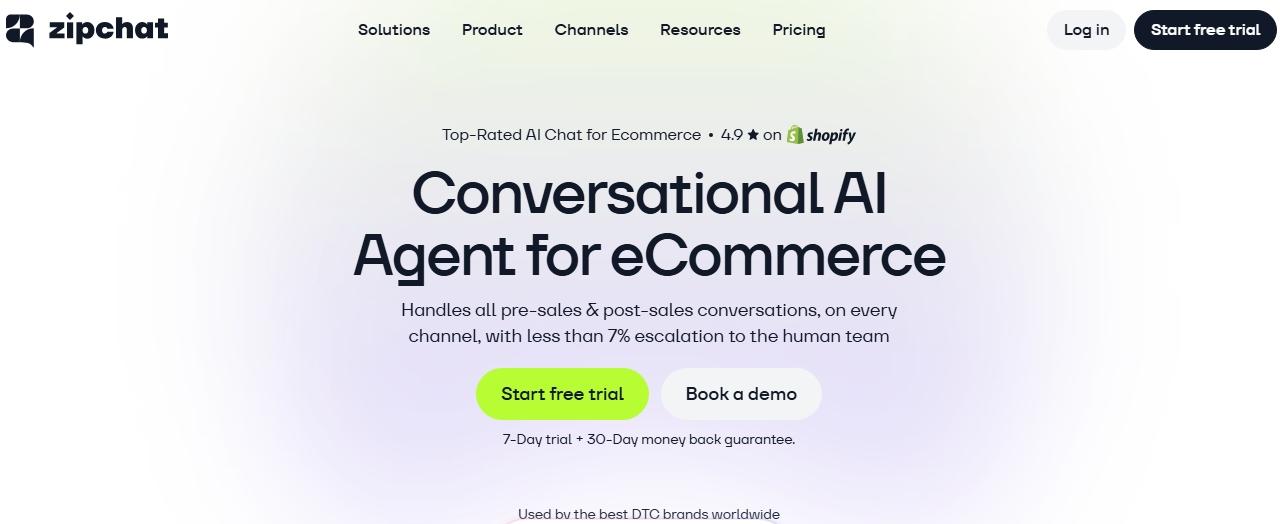
Zipchat is the AI chat widget purpose-built for Shopify and ecommerce stores. Once installed, it crawls your store, reads your product catalog, FAQs, and policies, and answers customer questions across web chat, WhatsApp, Instagram, Messenger, and email.
The same agent handles pre-sale, post-sale, and WISMO across channels. It runs on the website chat, plus the cart page and the thank-you and order-status page, where it proactively recommends and answers. It can act through Agentic Skills (order tracking and discount codes on Shopify, returns through a custom skill for any tool with an API), and AI product questions surface buying questions on every product page.
Key features
- LLM-powered AI that reads your live product catalog (no manual knowledge-base setup).
- Multichannel: web, WhatsApp, Instagram DMs, Facebook Messenger, email.
- WhatsApp Marketing Agent built in for proactive campaigns and abandoned cart recovery.
- Live chat support in any language.
- Personalized support and proactive chat invitations.
- Native Shopify install, plus Wix and WooCommerce.
Proof: Twitter Bike USA reached 90%+ recommendation accuracy, Shelly drove 8 to 12 times monthly ROI, and Ring Automotive runs a 12% conversion rate and higher AOV.
Pricing: plans from $64/month, billed annually, with a 7-day free trial (as of June 2026).
Rating: 4.8/5.
Serves: SMB and enterprise.
Pros
- Only widget in this list that reads your live catalog and answers product questions without manual setup.
- WhatsApp Marketing Agent is bundled, not an add-on.
- User-friendly and quick installation: under 30 minutes for most Shopify stores.
Cons
- Optimized for ecommerce. B2B teams without a product catalog may get more value from a general-purpose tool.
Best for: Shopify, WooCommerce, and Wix stores that want AI support and sales automation in one tool. See the full AI chatbot for ecommerce breakdown for build-vs-buy tradeoffs, and the AI shopping assistant guide for how the assistant converts on every page.
See it on your store: Try Zipchat free. No credit card required.
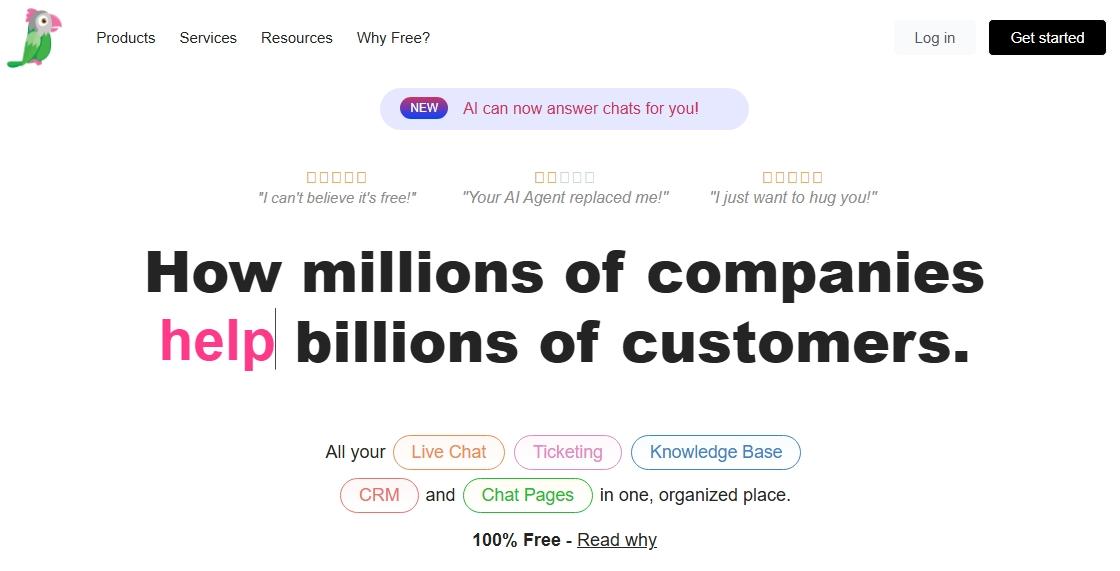
Tawk.to is the most-installed chat widget in the category, primarily because the core product has been free with no agent cap since launch. By technology-detection data it holds around 25% market share, the highest of any live chat tool, largely because the core widget is free with no agent cap. The business model relies on optional paid add-ons: removal of the Tawk.to branding for $19/mo, plus an optional “Hire an Agent” service.
Key features
- Unlimited agents and sites on the free plan.
- Mobile apps for iOS and Android.
- Basic ticketing and visitor monitoring.
Pricing: free forever for the chat widget. Branding removal at $19/mo (as of June 2026).
Rating: 4.5/5.
Serves: SMB and side projects.
Pros
- Free forever with no agent limit, rare in this category.
- Lightweight and easy to drop on any site.
Cons
- AI features are minimal compared to LLM-native tools.
- Reporting and automation are basic.
Best for: small sites, side projects, or stores that want a free chat option without an AI layer.
3. LiveChat: best for mid-market support teams
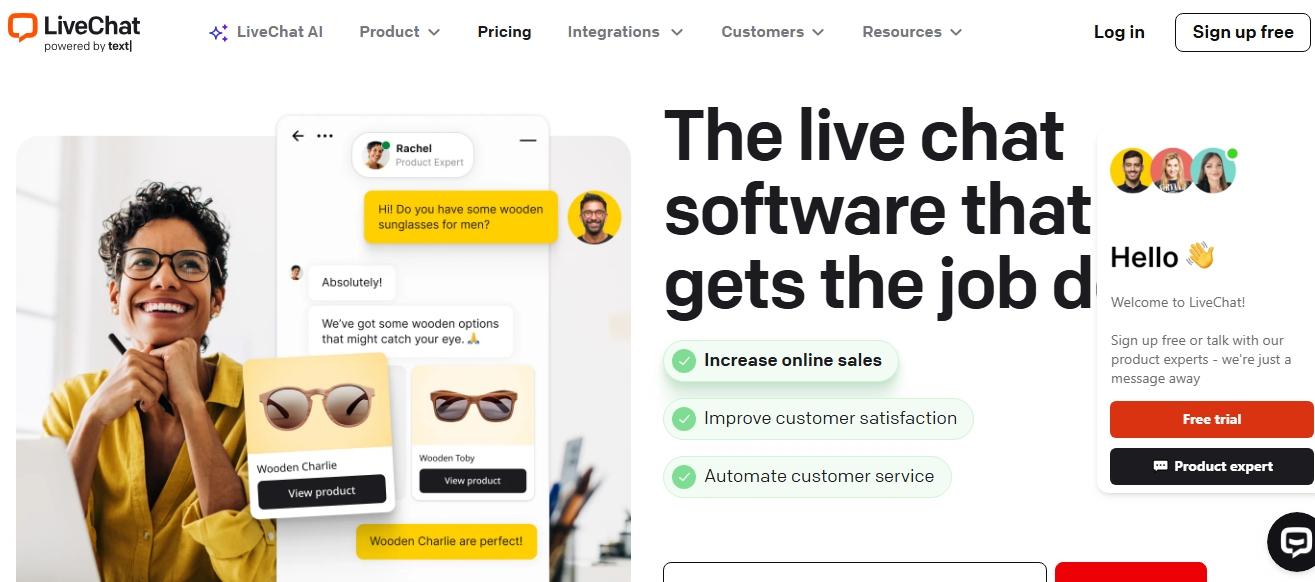
LiveChat is the legacy mid-market option for teams that want predictable per-seat pricing and a deep set of agent tooling. AI is offered through the sister product ChatBot.com at an extra cost, so it is an add-on, not native.
Key features
- Per-seat pricing with familiar agent dashboards.
- Add-on ChatBot.com for rule-based and LLM bots.
- Native integrations with Shopify, BigCommerce, and HubSpot.
Pricing: from $20/seat/month on annual billing, with a free trial (as of June 2026).
Rating: 4.6/5.
Serves: SMB to mid-market.
Pros
- Reliable, mature product with strong reporting.
- Extensive integration marketplace.
Cons
- AI is bolted on through ChatBot.com, not native.
- No free plan; only a 14-day trial.
Best for: mid-market customer support teams (5-25 agents) who want a predictable per-seat platform.
Still looking for a chat widget that handles product questions automatically? Zipchat reads your store catalog and answers support and sales questions 24/7. Start your free trial.
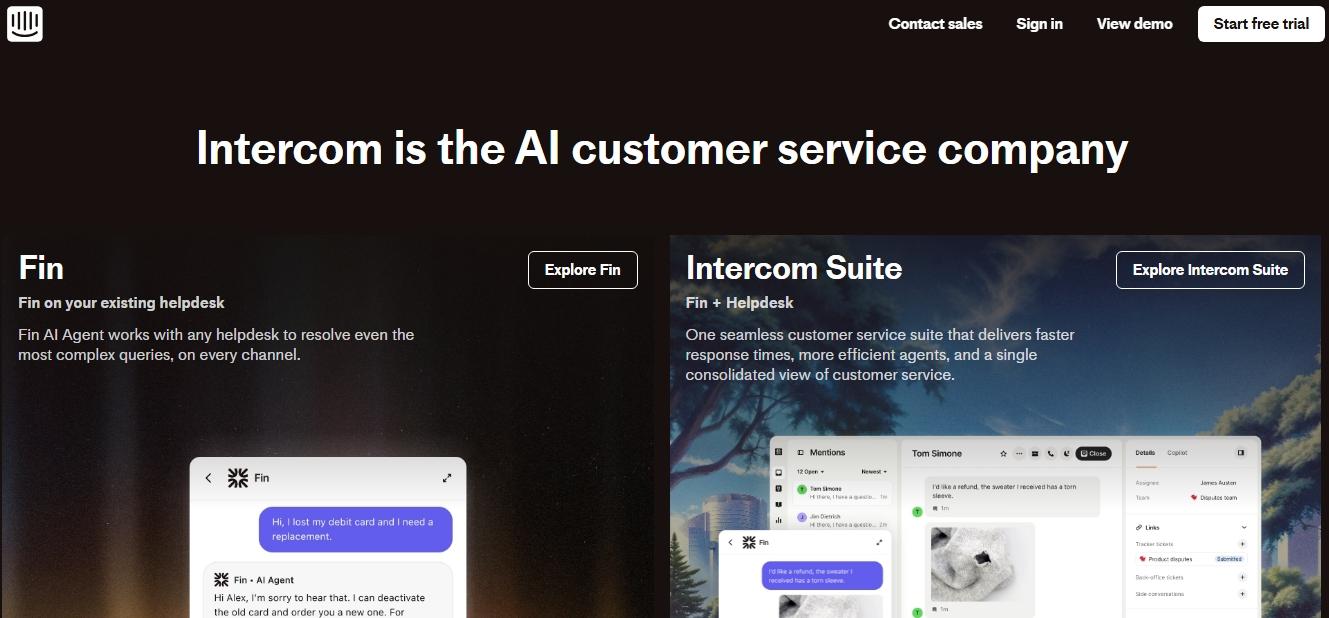
Intercom is the long-running B2B chat platform. Its AI product, Fin, is billed at $0.99 per AI resolution on top of the per-seat plan, which makes the total cost hard to predict at scale.
Key features
- Messenger widget tuned for onboarding and support.
- Fin AI agent (per-resolution billing).
- Workflows, product tours, and outbound messaging.
Pricing: from $29/seat/month with a free trial. Fin AI: $0.99 per resolution (as of June 2026).
Rating: 4.5/5.
Serves: mid-market and enterprise.
Pros
- Excellent for onboarding flows and product-led growth motions.
- Mature workflows and outbound messaging.
Cons
- Per-resolution AI billing creates cost unpredictability for high-volume teams.
- Overkill (and pricey) for ecommerce stores.
Best for: B2B companies with technical buyers and product-led motions.
5. Zendesk: enterprise support suite
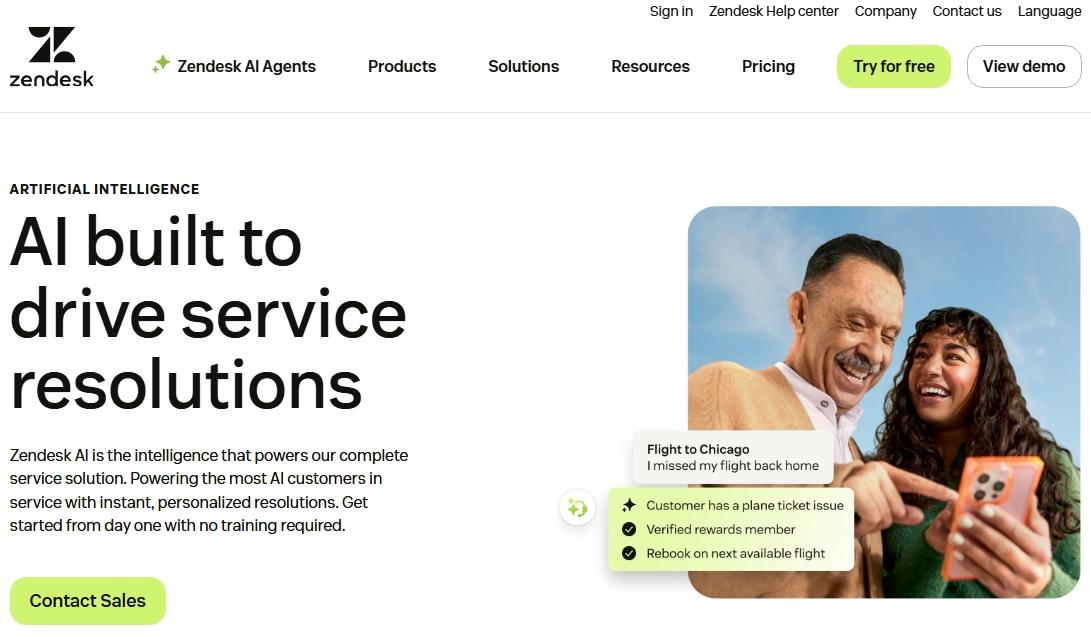
Zendesk packages chat inside its broader Suite product. It is well-suited for enterprise support orgs running ticketing, telephony, and chat under one roof, but it is heavyweight for most ecommerce stores.
Key features
- Chat as part of a unified ticketing, voice, and email suite.
- AI agents and Copilot available as paid add-ons.
- Robust reporting and SLA management.
Pricing: Support plans from $19/agent; the full Suite Team plan from $55/agent, with AI agents and Copilot as paid add-ons on top (as of June 2026).
Rating: 4.3/5.
Serves: enterprise.
Pros
- Strong fit for enterprise support orgs that need ticket, chat, and voice in one suite.
- Mature SLAs, reporting, and routing.
Cons
- A heavyweight for most ecommerce, and expensive for SMB and growth-stage stores.
- AI features cost extra and require configuration.
Best for: enterprise support organizations with 25+ agents and complex ticketing needs.
6. Freshchat: B2B support with Freddy AI
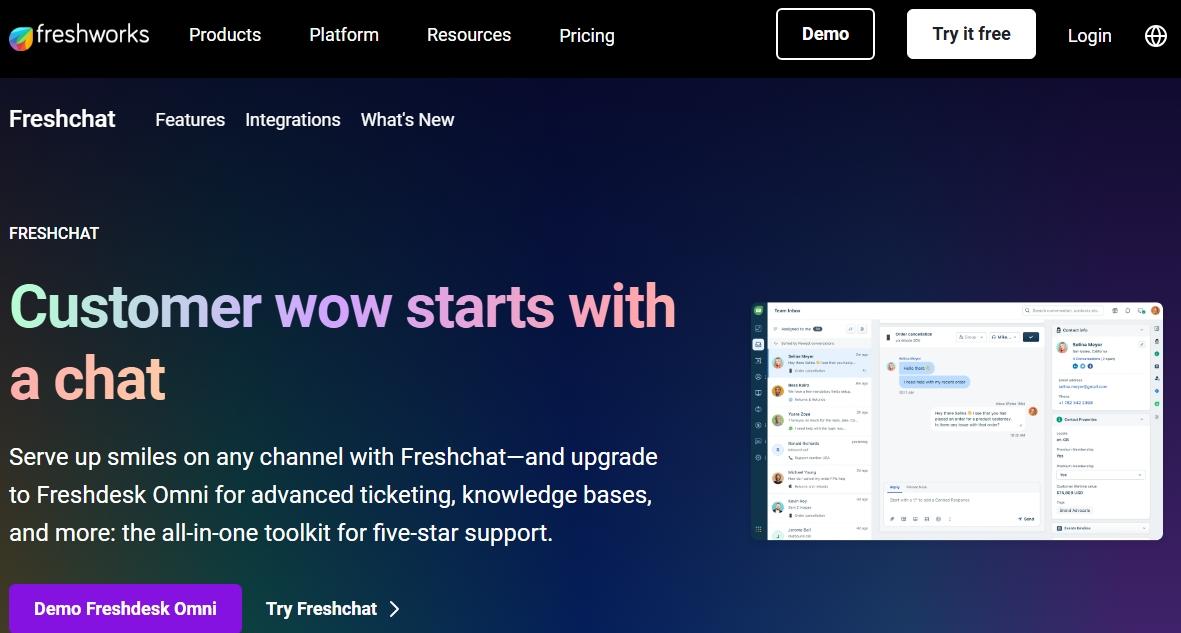
Freshchat (part of the Freshworks Customer Service Suite) is a credible alternative for B2B teams that want chat plus ticketing without the Zendesk price tag. AI is delivered through the Freddy AI Agent add-on.
Key features
- Multichannel inbox (chat, email, WhatsApp, social).
- Freddy AI for self-service and agent assist.
- Integrates with Freshdesk and Freshsales for unified data.
Pricing: free plan available; paid plans from $19/month (as of June 2026).
Rating: 4.4/5.
Serves: SMB to enterprise.
Pros
- Free tier exists, rare among B2B-leaning suites.
- Native fit with the rest of the Freshworks stack.
Cons
- AI capabilities trail LLM-native ecommerce tools.
- Setup complexity grows quickly with multi-channel routing.
Best for: B2B teams already standardizing on Freshworks.
The AI-native agent tier (mostly enterprise)
The biggest 2026 shift is the rise of AI-native agents that are built around the model, not the chat bubble. These resolve and act autonomously, and they target large enterprises with enterprise contracts and integration projects. They sit a layer above traditional widgets. The contrast worth understanding: most of these are enterprise-only, while Zipchat brings AI-native resolution and action to both SMB and enterprise, with ecommerce built in.
7. Sierra: best for large, voice-first consumer brands
Sierra is an AI-native agent platform built for large consumer brands that want autonomous, voice-first customer experiences. It is built around the model rather than a chat bubble, resolving and acting across voice and chat, and it is backed by a reported $15.8B valuation in 2026.
Key features
- Voice-first AI agents alongside web and chat.
- Autonomous resolution with guardrails and brand-aligned tone.
- Enterprise integrations and custom workflows delivered with a solutions team.
Pricing: custom enterprise contract; no free plan or self-serve tier (as of June 2026).
Rating: 4.4/5.
Serves: large enterprise.
Pros
- Strong autonomous deflection; deployments report 50% to 80%.
- Voice-first design suits high-volume consumer brands.
Cons
- No self-serve; onboarding is a vendor-led project.
- Out of reach on price and complexity for SMB and most ecommerce stores.
Best for: large consumer brands with the budget and team for an enterprise AI deployment.
8. Ada: best for integration-heavy enterprise support
Ada is an established enterprise AI agent platform with 100+ integrations, used by large consumer brands to automate support across channels. It positions itself as a no-code automation layer that resolves inquiries and routes the rest to humans.
Key features
- 100+ prebuilt integrations.
- No-code automation builder for enterprise teams.
- Multichannel coverage across chat, email, and social.
Pricing: custom enterprise contract; no free plan or self-serve tier (as of June 2026).
Rating: 4.6/5.
Serves: enterprise.
Pros
- Large integration library shortens enterprise rollouts.
- Reported deflection up to the mid-80% range in select deployments.
Cons
- No self-serve; priced and scoped for enterprise.
- Ecommerce-specific catalog reasoning is not its focus.
Best for: enterprises that need a broad, integration-heavy AI agent across many systems.
9. Lorikeet: best for regulated industries
Lorikeet is an AI agent focused on regulated industries (fintech, healthtech, insurance), where predictable, auditable outcomes matter as much as speed. It runs multi-step workflows, follows business rules and SOPs, and escalates to a human only on edge cases.
Key features
- Workflow-driven agent that follows business rules and SOPs.
- Per-resolution pricing model.
- Connectors to systems like ticketing, payments, and internal APIs.
Pricing: per-resolution pricing on an enterprise contract; no free plan (as of June 2026).
Rating: 4.4/5.
Serves: enterprise in regulated verticals.
Pros
- Built for auditable, rule-bound outcomes in high-stakes support.
- Handles complex, multi-step cases rather than simple FAQs.
Cons
- No self-serve; narrow to regulated, high-compliance use cases.
- Overkill for a typical Shopify or DTC store.
Best for: fintech, healthtech, and insurance teams that need compliant, auditable automation.
Decagon is another fast-growing enterprise AI-native agent in this tier. Industry benchmarks put rule-based chatbot containment at 20% to 35%, versus 60% to 80% for action-capable AI agents, with the cross-industry average now around 62% (up from 48% in 2022).
If you are an SMB or a growing store, the enterprise AI-native platforms are out of reach on price and setup. Zipchat gives you the same AI-agent capability (reasoning, recommendations, and actions across channels) from $64/month, billed annually, live in under 30 minutes. For the underlying mechanics, see how agentic AI search and Agentic Skills let the agent reason and act on your store.
Use this decision matrix to shortlist your top two or three. Match your situation to the prioritization, then pick from the matches.
| Your situation | What to prioritize | Best matches |
|---|
| Shopify or WooCommerce store, want AI | Native catalog reading + multichannel | Zipchat |
| Budget under $50/mo | Free plan + no per-resolution fees | Tawk.to, Freshchat |
| 50+ support tickets per day | AI resolution rate, mobile apps | Zipchat, Intercom |
| Selling internationally | Multilingual support out of the box | Zipchat (any language), Freshchat |
| B2B, product-led growth | Messenger and tours | Intercom |
| Enterprise support org (25+ agents) | Ticketing + chat + voice in one suite | Zendesk |
| Enterprise wants autonomous AI agent | Deflection rate + integrations | Sierra, Ada, Lorikeet (Zipchat for SMB and enterprise) |
| Want chat without coding | Native plugin install (under 1 hour) | Zipchat, Tawk.to |
What you will actually pay at scale. The list price on the home page rarely matches the bill at month four. Tools with per-seat models (LiveChat, Zendesk) scale linearly with team size. Tools with per-resolution AI billing (Intercom Fin, and the AI-native agents) get unpredictable as conversation volume grows.
Pick a model whose cost curve matches your traffic and team plan, not just the entry price. Per-seat pricing punishes growing teams; per-resolution pricing punishes high-volume sales spikes. A flat plan like Zipchat’s, from $64/month billed annually, keeps the bill predictable as volume climbs.
For more on rolling out automated customer support, pair the right chat widget with clear escalation rules and multilingual support if you sell across borders.
A chat widget is not the right fix in three situations. First, if you handle fewer than 10 support tickets per week, chat adds an “always-on” surface area without enough volume to justify it; a clean FAQ page and email form will serve you better.
Second, if you are a B2B enterprise running a 500-seat support organization with strict compliance, a full service cloud (Salesforce Service Cloud, ServiceNow) is closer to fit than any chat widget on this list.
Third, if your primary support channel is phone, adding a chat widget creates a second queue that often dilutes agent focus rather than reducing tickets. Pick the channel that fits your buyers, not the one that looks modern.
Four shifts are reshaping the category right now.
Reactive chat is becoming proactive AI. Static widgets that wait to be clicked are giving way to AI agents that read on-page behavior, recognize intent (size question, abandoned cart), and start the conversation first. The result is higher engagement and fewer support tickets at the same time.
WhatsApp is becoming the primary chat surface in mobile-first markets. In Latin America, Southeast Asia, the Middle East, and parts of Europe, buyers expect WhatsApp by default, not as a fallback. Tools that treat WhatsApp as a first-class channel rather than a plug-in pull ahead.
Live catalog reading replaces static knowledge bases. Manual KB upkeep is the most common reason chat AI deployments stall. AI that reads the live product catalog (and updates instantly when inventory or copy changes) eliminates the maintenance tax and improves answer accuracy.
Agentic commerce arrives. The next wave of chat widgets does not stop at answering. They complete transactions, push WhatsApp recovery flows, recommend in-stock alternatives, and book human handoffs only on edge cases. Read more on agentic commerce for the broader picture.
The market signal is hard to miss. In March 2026, Clari and Salesloft began sunsetting Drift, once the dominant B2B conversational marketing tool, and pointed customers to an AI-native successor. Read it as the end of the rule-based chatbot era: tools built on intent-matching and routing are giving way to agents built on reasoning and action. Gartner forecasts that by 2028, 60% of brands will use agentic AI for one-to-one customer interactions.
Conclusion
For Shopify and ecommerce stores in 2026, Zipchat is the best AI chat widget because it reads the live catalog, runs multichannel out of the box, acts through Agentic Skills, and serves both SMB and enterprise. For free-forever simplicity, Tawk.to remains the runner-up.
If you want to boost conversions with just a click, start your free trial with Zipchat. No credit card required.
FAQs
Tawk.to is the most widely used free website chat widget; it is free forever with no agent cap. Zipchat does not offer a free plan, but every paid plan includes a 7-day free trial with full access. Tidio’s free plan is limited to 1 agent and 50 conversations per month, which is easy to outgrow.
A live chat widget is the visible chat interface on your website. A chatbot is the automation behind it. In 2026, most modern widgets pair a live-chat surface with an AI chatbot (often LLM-powered) so simple questions resolve automatically and complex ones route to a human agent.
Zipchat ships a native Shopify app that reads the product catalog automatically and answers customer questions without manual setup. Crisp, LiveChat, and Tidio also offer Shopify apps, but typically require building a knowledge base by hand.
A chat widget is the on-site messaging interface and inbox. An AI agent is the layer that resolves and acts: it reasons over your data, answers, and can take actions like tracking an order or starting a return. In 2026 the strongest tools pair both; Zipchat is a widget and an AI agent in one.
Enterprise-focused options include Zendesk, Intercom, and the AI-native agents Sierra, Ada, and Lorikeet, which require enterprise contracts and setup. Tawk.to and LiveChat suit smaller teams. Zipchat is one of the few that serves both SMB and enterprise at a self-serve price.
Do AI chat agents actually resolve customer issues without a human?
Yes, when they can act on your systems. Industry benchmarks put action-capable AI agents at 60% to 80% resolution without a human, versus 20% to 35% for older rule-based bots. Grounding the agent in your live catalog and policies is what keeps answers accurate.