Try Zipchat in Action!
Enter your store URL to see how Zipchat would behave.

What Is Pages Per Visit and How to Measure It
"Your website is your greatest asset. More people view your webpages than anything else." — Amanda Sibley.
Every ecommerce manager wants to get the best out of their online audience; you should too. Pages per visit is one of the most overlooked and under-discussed metrics in website analytics. This is why making the most of website traffic gives you a higher chance of conversion or achieving the desired action on the website.
Pages per visit is a key user engagement metric that shows how many web pages, on average, a visitor views in a single session on your ecommerce site. Rather than simply counting how much traffic you get, this metric reveals how deeply users explore your store during a visit. It offers insight into how engaging or navigable your site is, whether it is clicking around to view products, digging into the website's content, or dropping off quickly after landing.
In this article, we’ll define what pages per visit is, explain how it’s calculated with a simple formula, highlight the factors that influence it, and walk through what low, average, and strong values can signal about your ecommerce performance.
What Is Pages Per Visit (PPV)?
Pages per visit, often referred to as pages per session, is the average number of distinct visited pages by a user during one visit to a website. It is a basic engagement metric that helps you understand how much a visitor interacts with your site beyond their first page.
Because this metric reflects browsing depth, it’s useful for evaluating site engagement: a higher number typically suggests visitors are interested in your content or products and are motivated to explore more. Conversely, a lower number can point to navigation difficulties or lacklustre content.
How Is Pages Per Visit Calculated?
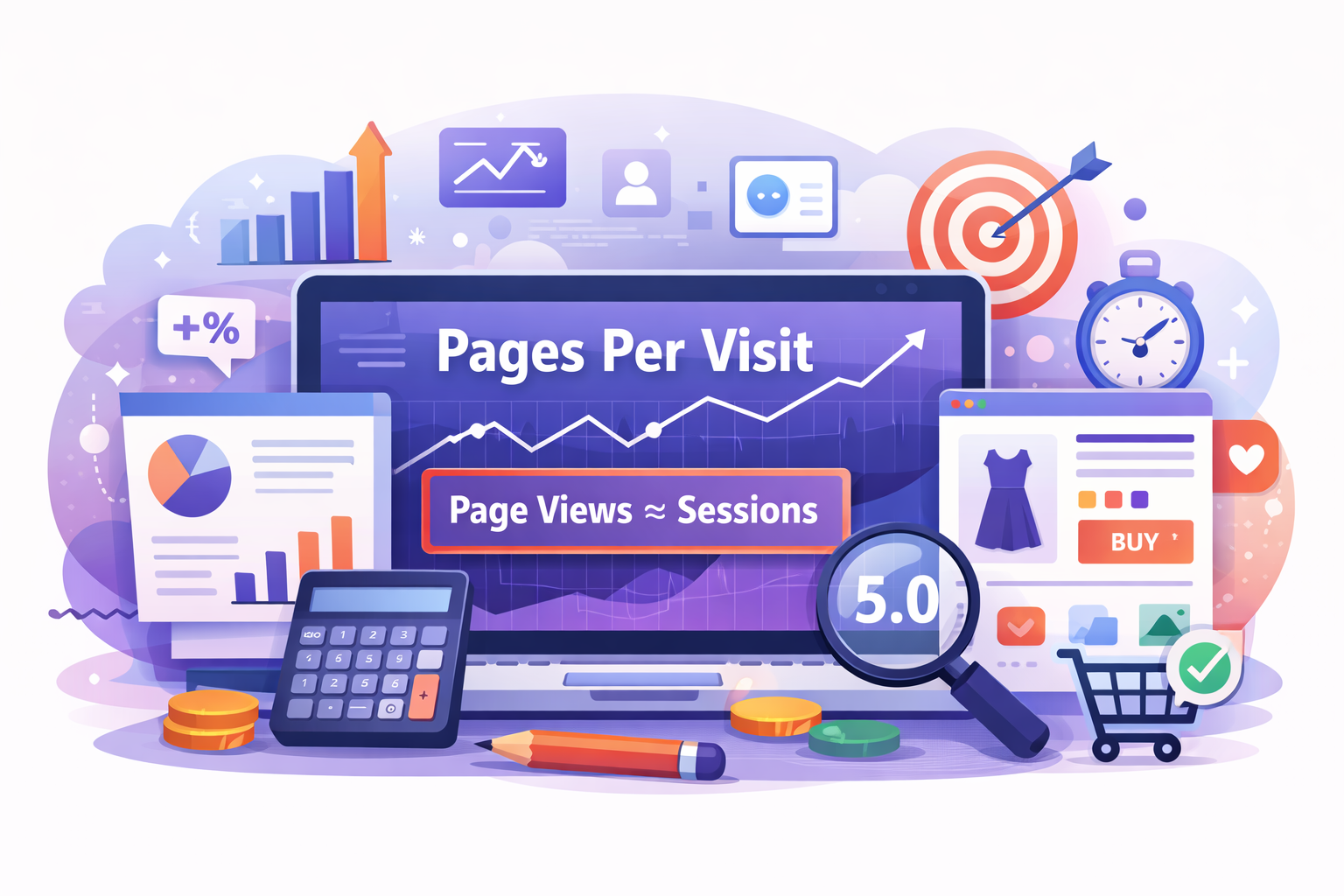
Pages per visit is calculated by dividing the total number of page views by the total number of sessions over a given period.
PPV Formula
Pages per visit = Total page views ÷ Total visits (sessions)
Example:
If your ecommerce site received 15,000 page views and 3,000 visits in a month:
15,000 ÷ 3,000 = 5 pages per visit
This means the average visitor views five pages during a session, suggesting moderate exploration and engagement with your site content or product catalog.
This calculation is widely supported across analytics tools like Google Analytics and Similarweb, which measure page views and sessions automatically for each reporting period.
Factors That Affect Pages Per Visit
Several elements influence how many pages a visitor will explore during a session. Understanding these can help you interpret PPV more accurately and identify opportunities to improve engagement.
- Content quality and relevance
Visitors stay longer and browse more when they find content and products that match their interests and needs. - Navigation and site structure
Logical menus, clear categories, and intuitive search options help visitors move easily through your store’s pages, boosting pages per visit. - Internal linking and product recommendations
Strategically placed links, related products, and “you might also like” sections encourage users to click and explore further. - Page speed and performance
Slow-loading pages increase frustration and abandonment; ensuring fast performance keeps visitors browsing longer. - Mobile responsiveness
As more shoppers browse on mobile devices, responsive design ensures a smoother user experience and reduces drop-offs that lower PPV. - Web traffic sources
The type of traffic that lands on your site affects how deeply visitors explore. Different channels (such as organic search, social, and paid ads) often deliver users with varying intent and engagement behaviors. For instance, visitors from high-intent search queries may view more pages than those from broad social ads.
What Different Pages Per Visit Values Mean for Ecommerce
Pages per visit becomes far more useful when you look at what the number is telling you, not just what it is. Different PPV ranges can reveal how easily shoppers discover products, how intuitive your navigation feels, and whether visitors are browsing casually or shopping with intent.
Low Pages Per Visit
Low pages per visit usually means visitors are viewing one or two pages before leaving. For ecommerce stores, this often signals weak product discovery, confusing navigation, or landing pages that don’t match shopper expectations.
It may also indicate low intent traffic, with users clicking out of curiosity rather than to buy. In some cases, a low PPV can be acceptable if a page answers a specific question quickly, but consistently low values often point to poor customer engagement.
Average Pages Per Visit
Average pages per visit suggests balanced browsing behavior. Shoppers are exploring categories, viewing product pages, and possibly comparing options before deciding what to do next.
This range usually indicates functional navigation and reasonable internal linking, though there may still be missed opportunities to guide users toward related products or deeper discovery paths. Many healthy ecommerce stores fall into this range during normal shopping sessions.
Strong Pages Per Visit
Strong pages per visit means shoppers are exploring multiple pages during a single session. This often signals effective site structure, clear navigation, and strong internal linking or product recommendations.
High PPV can reflect strong buying intent, especially when paired with add-to-cart or conversion activity. However, if conversions remain low, it may also suggest shoppers are browsing extensively because they’re struggling to decide or find what they need.
Conclusion
Pages per visit is a core ecommerce engagement metric that helps explain how deeply shoppers explore your store during a single session. While it’s easy to calculate, its real value comes from interpretation rather than the number alone.
Pages per visit is influenced by many factors, including navigation, site structure, content relevance, and overall user experience. When analyzed alongside other metrics, it provides clearer insight into shopper behavior and engagement patterns.
Want to increase pages per visit?
Improving navigation, discovery, and real-time support can help shoppers explore more pages naturally.
Learn how to improve ecommerce user experience here.
FAQ
1. What does page per visit mean?
Pages per visit is the average number of pages a user views during a single website session. In ecommerce, it helps show how deeply shoppers explore a store and whether navigation, content, and product discovery encourage continued browsing.
2. How to calculate page views per visit?
To calculate page views per visit, divide the total number of page views by the total number of sessions for a selected time period. For example, 8,000 page views across 2,000 sessions equals four pages per visit.
3. What is a good number of pages per visit?
A good pages-per-visit number depends on your store type, products, and traffic sources. Higher values often suggest stronger engagement, but pages per visit should be evaluated alongside conversion rate, bounce rate, and user intent for context.